

Many viewers have asked why they cannot see the “Join” button on my YouTube channel.
Unfortunately, the Join button is not available to everyone. Its availability depends on factors such as your country or region, account type, payment settings, and YouTube’s own restrictions.
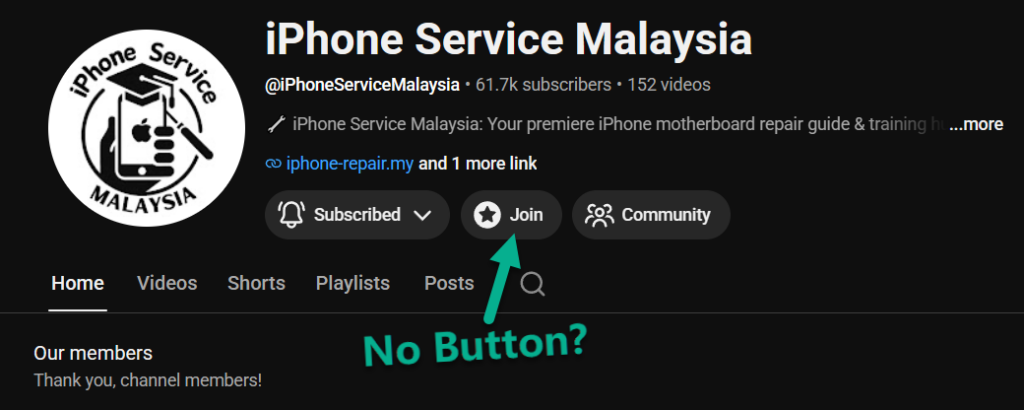
Why Can't I See the Join Button?
There are several reasons why the Join button may not appear on your account:
- Your country does not currently support YouTube Channel Memberships.
- You are using a supervised or restricted Google account.
- Your payment profile is not eligible for memberships.
- The YouTube app is outdated.
- Certain devices or app versions may not display the Join button correctly.
What Can You Try?
If you cannot see the Join button, try the following:
- Sign in with a different Google account.
- Check whether your country supports YouTube Memberships.
- Update your YouTube app to the latest version.
- Try using a desktop browser instead of the mobile app.
- Review your Google account restrictions and payment settings.
Alternative Ways to Access the Join Button
Some viewers have reported that the Join button became visible after using a Google account registered in a different supported region. Results may vary depending on your account and location.
Final Thoughts
If the Join button is not visible, the issue is usually related to account eligibility or regional restrictions rather than the channel itself. Trying a different account or device is often the quickest way to determine whether the issue is account related.