iPhone Repair Malaysia
iPhone Service
SSM: 201303050224

NOTICE: Please make an appointment via WhatsApp or call the office before walking in. We respond during working hours.

Upgrade iPhone Storage

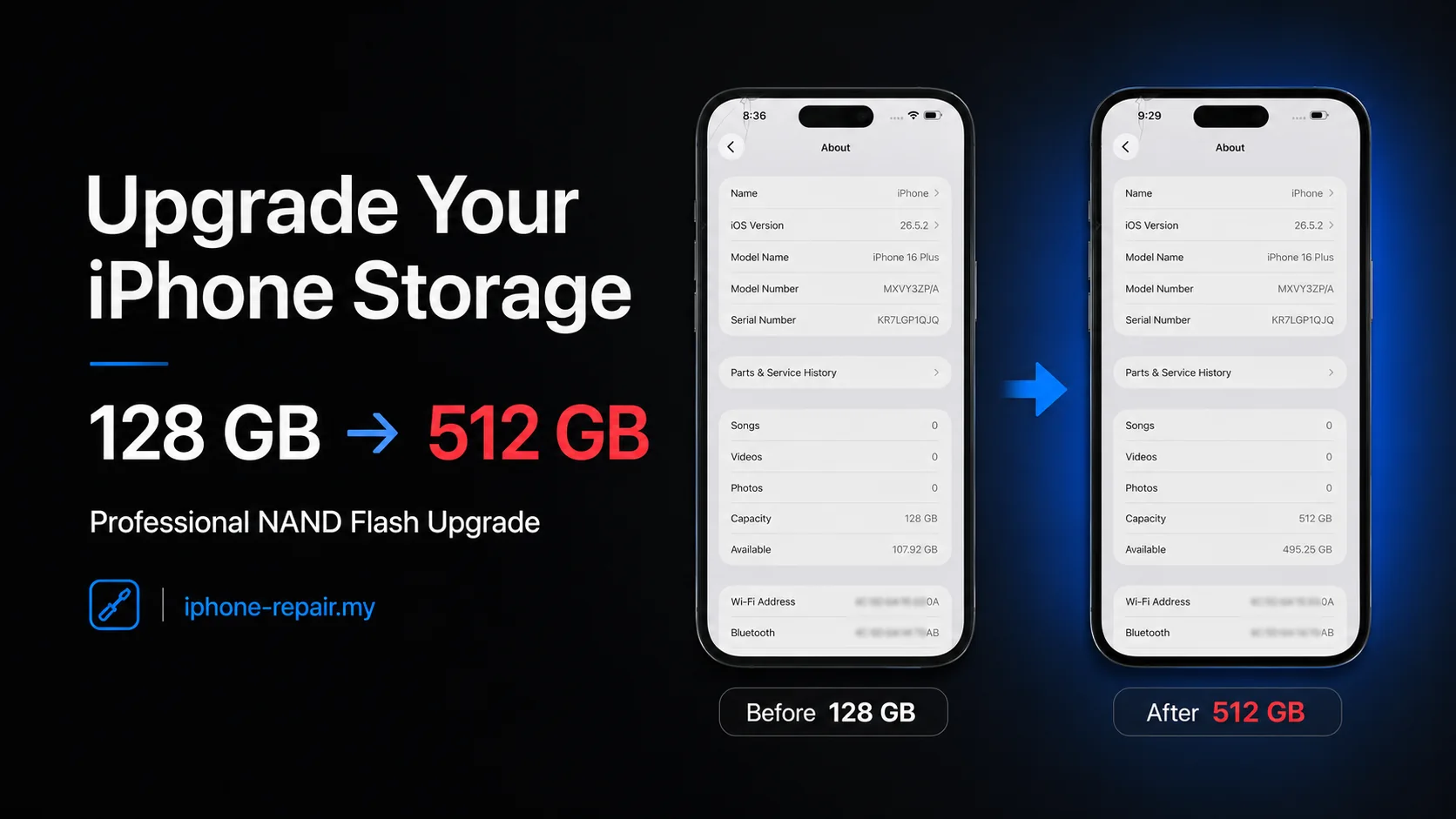
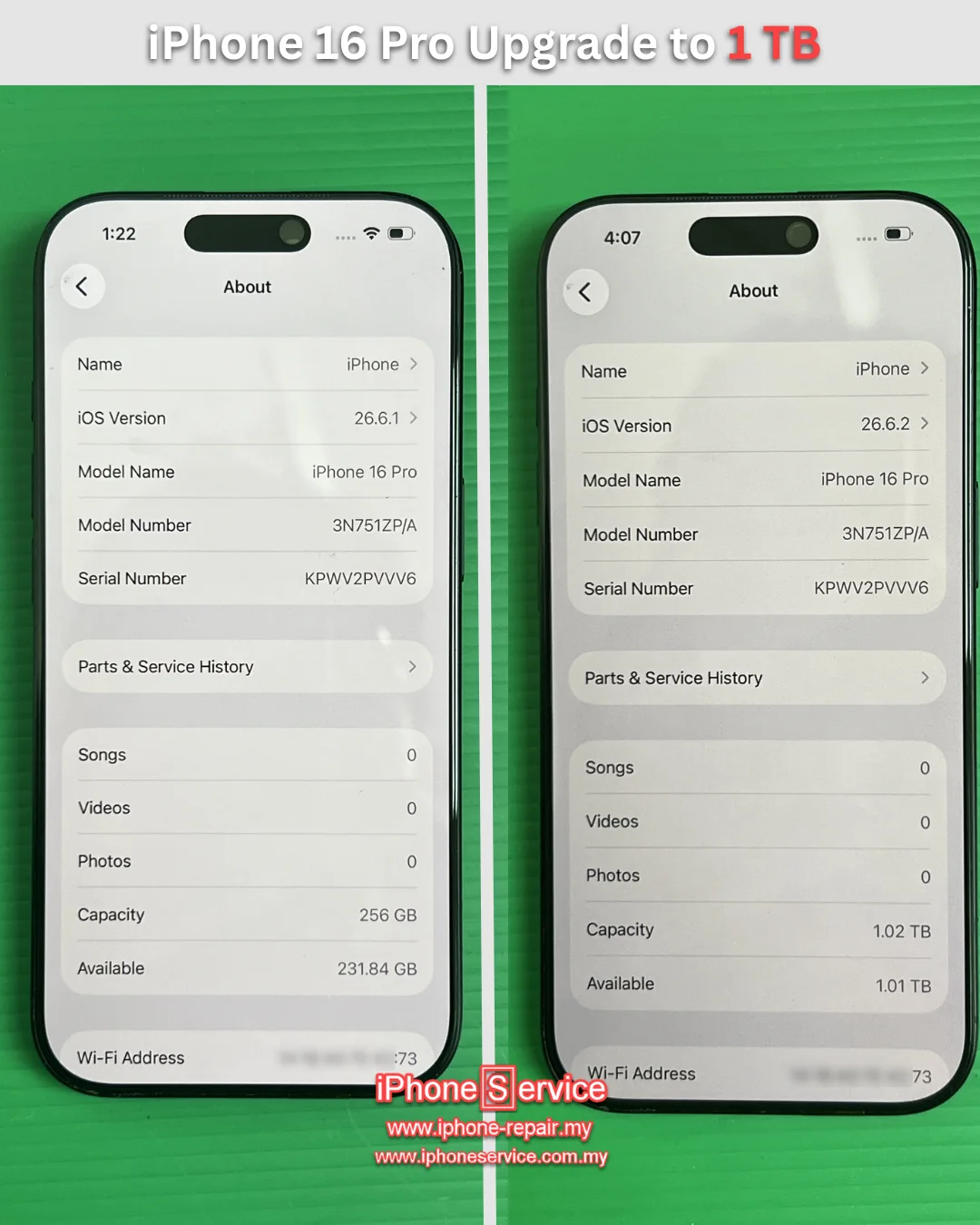
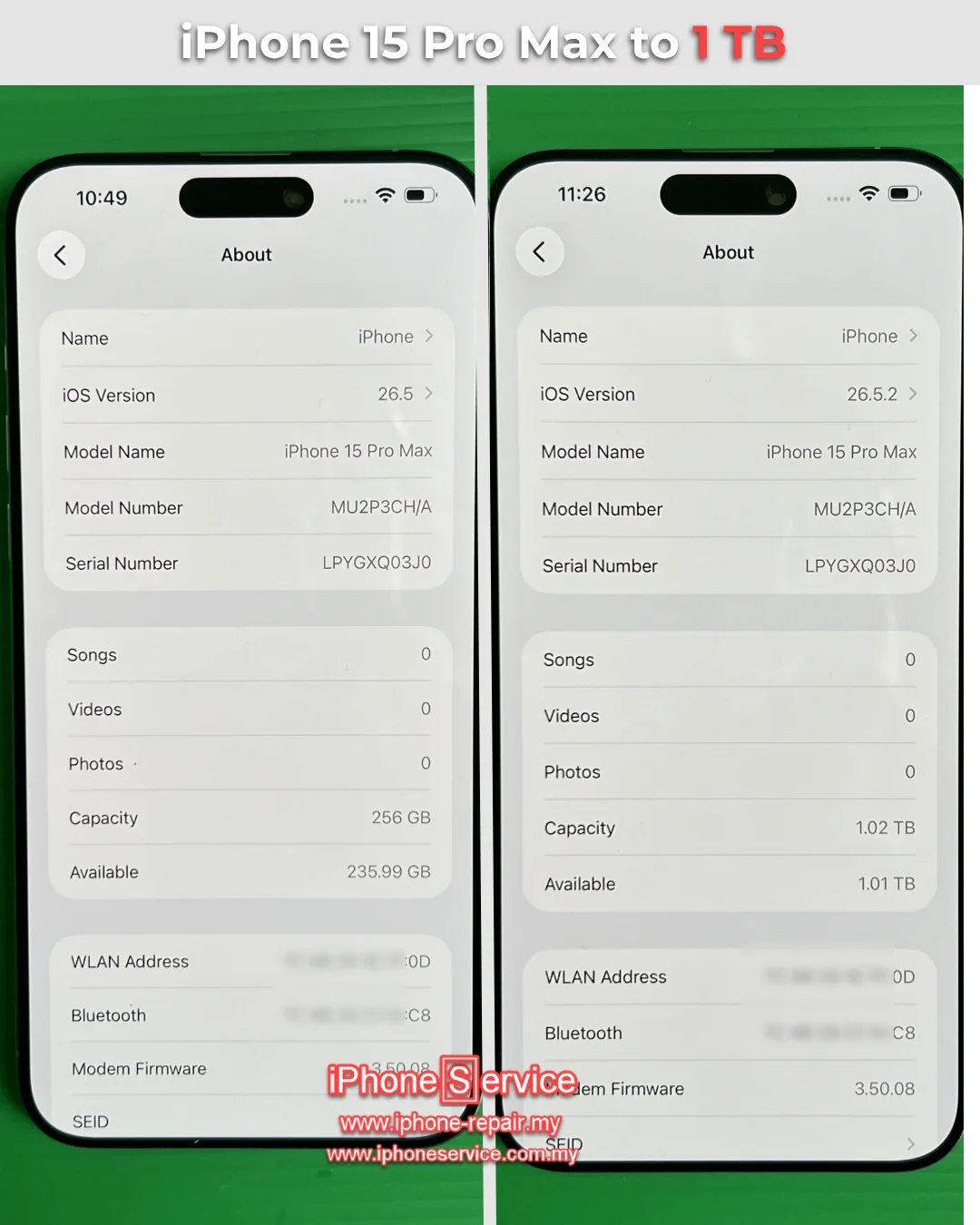
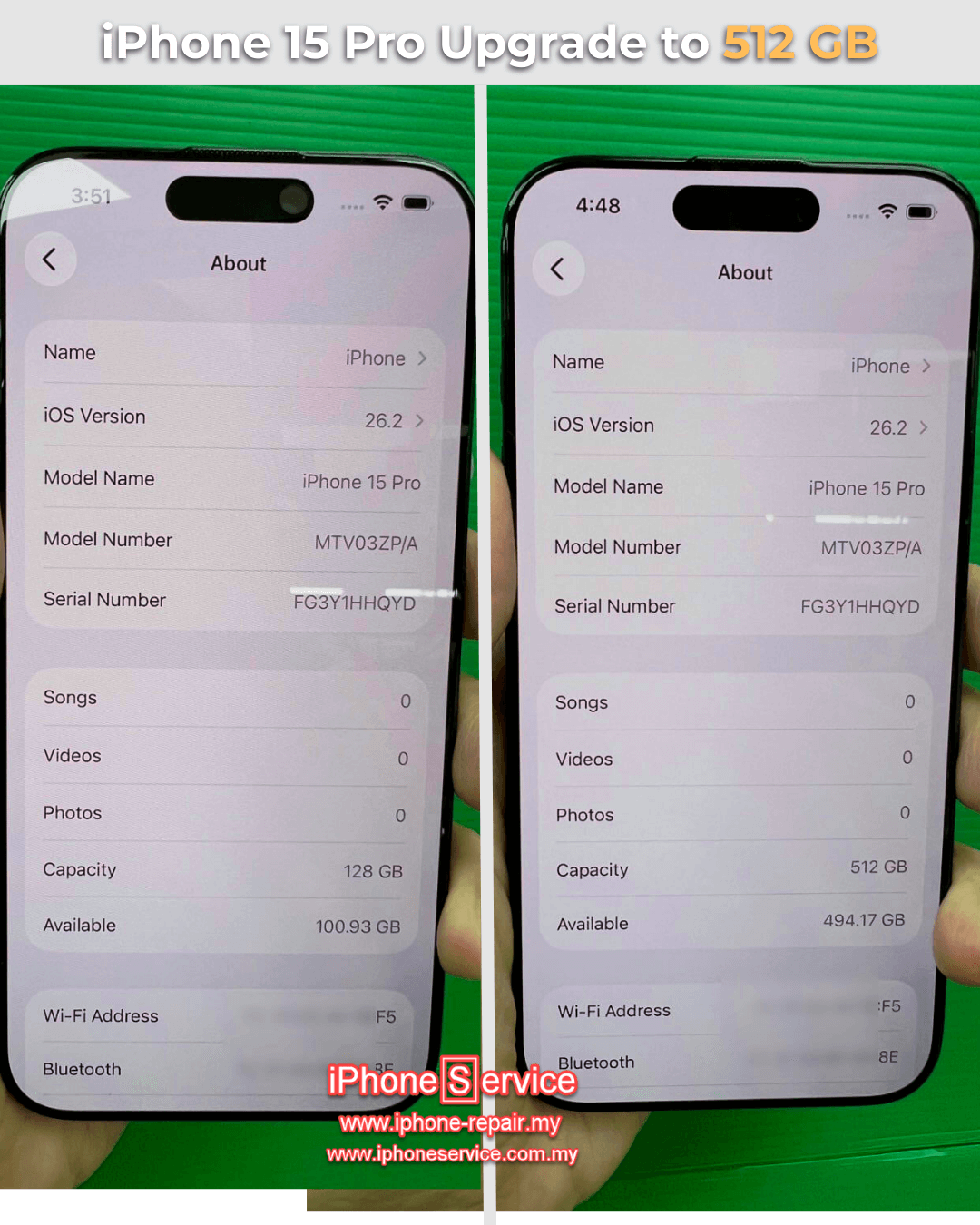
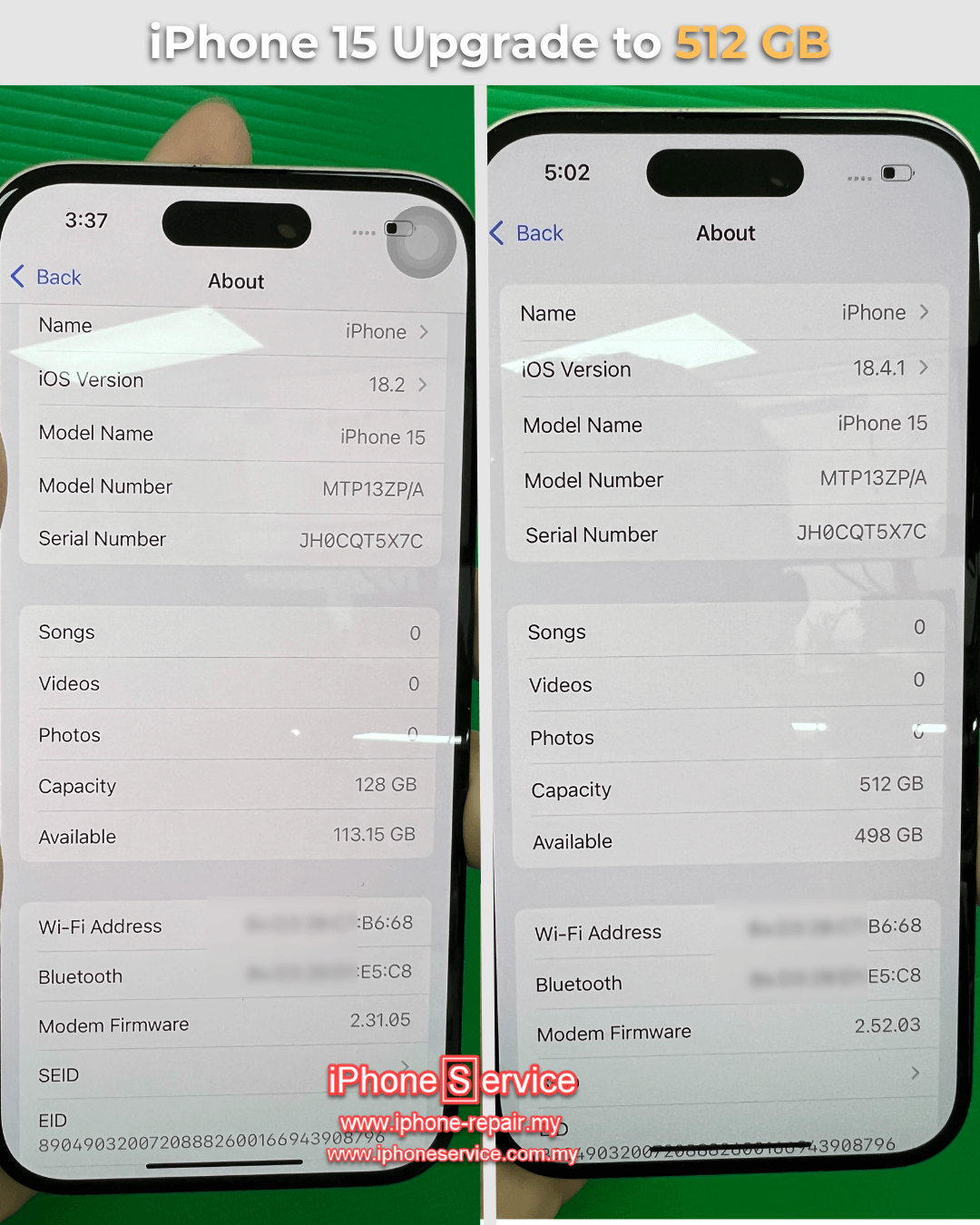
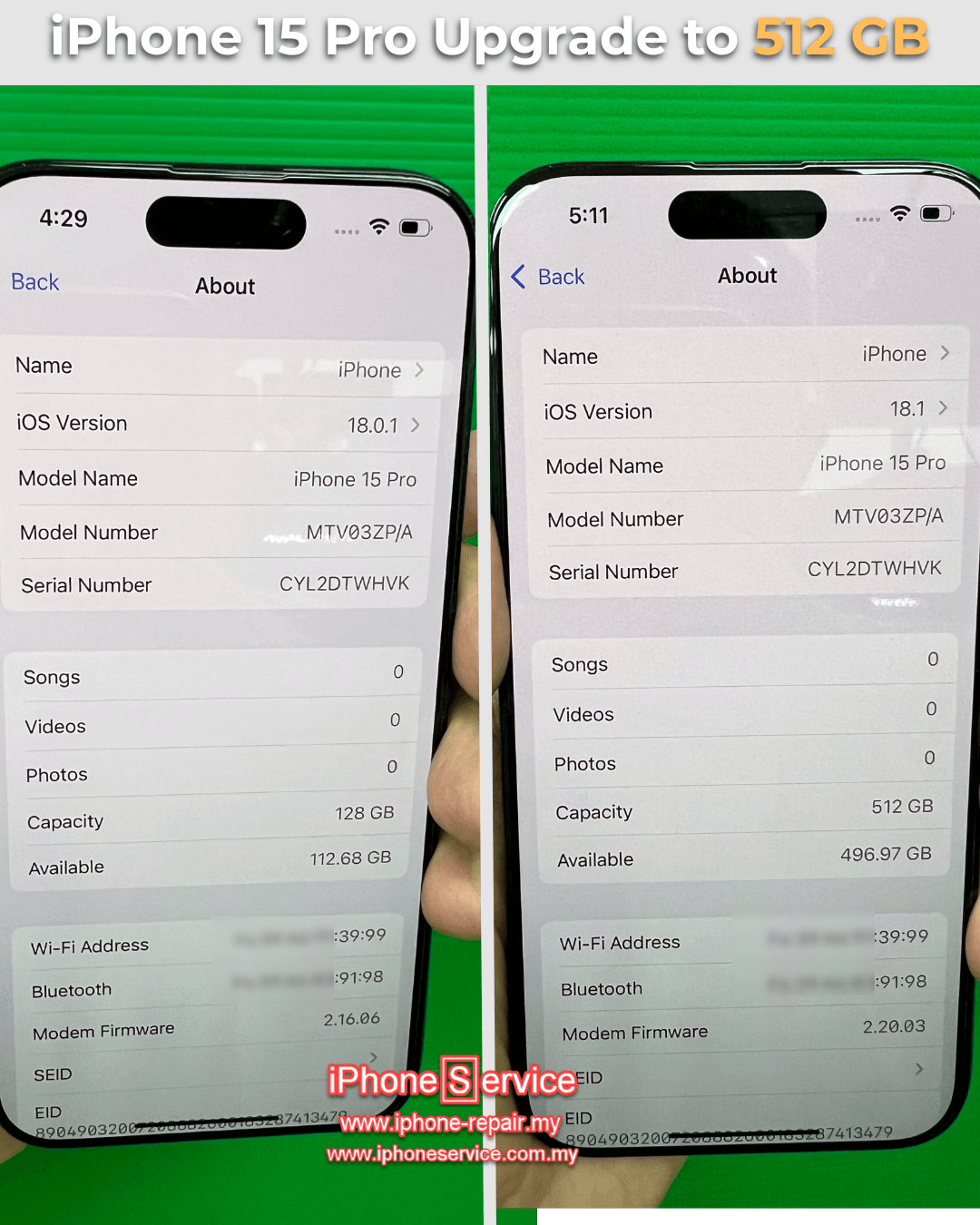
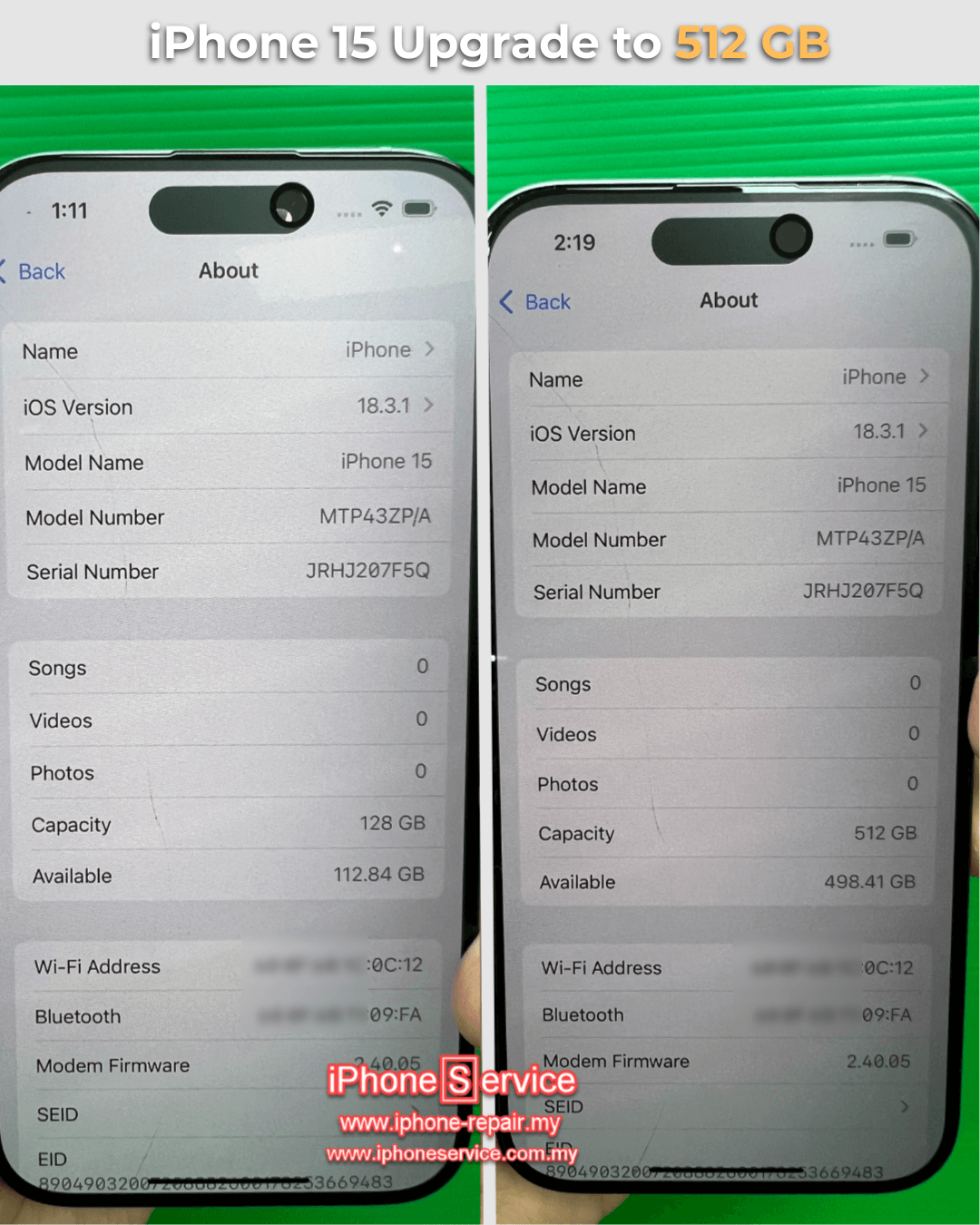
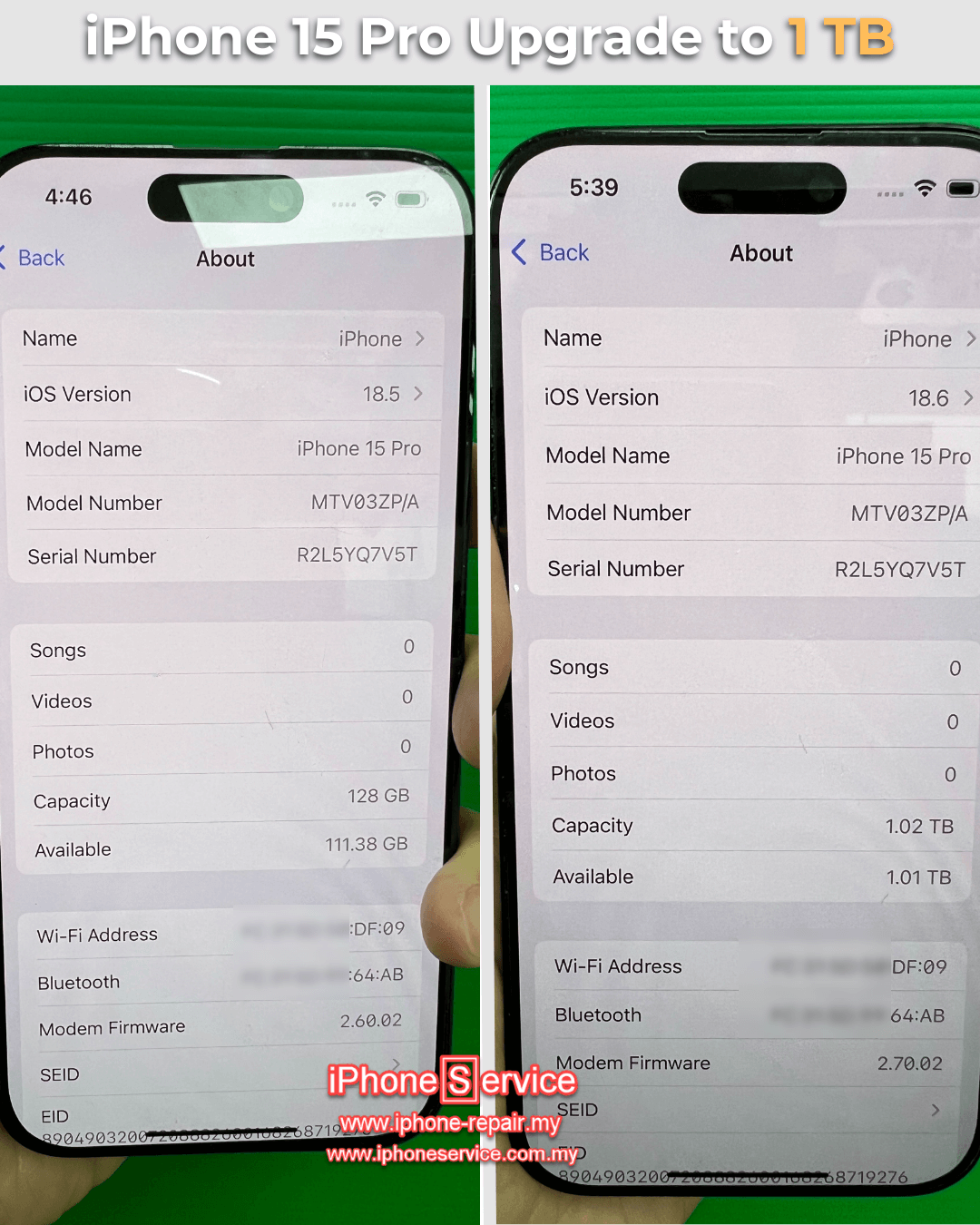
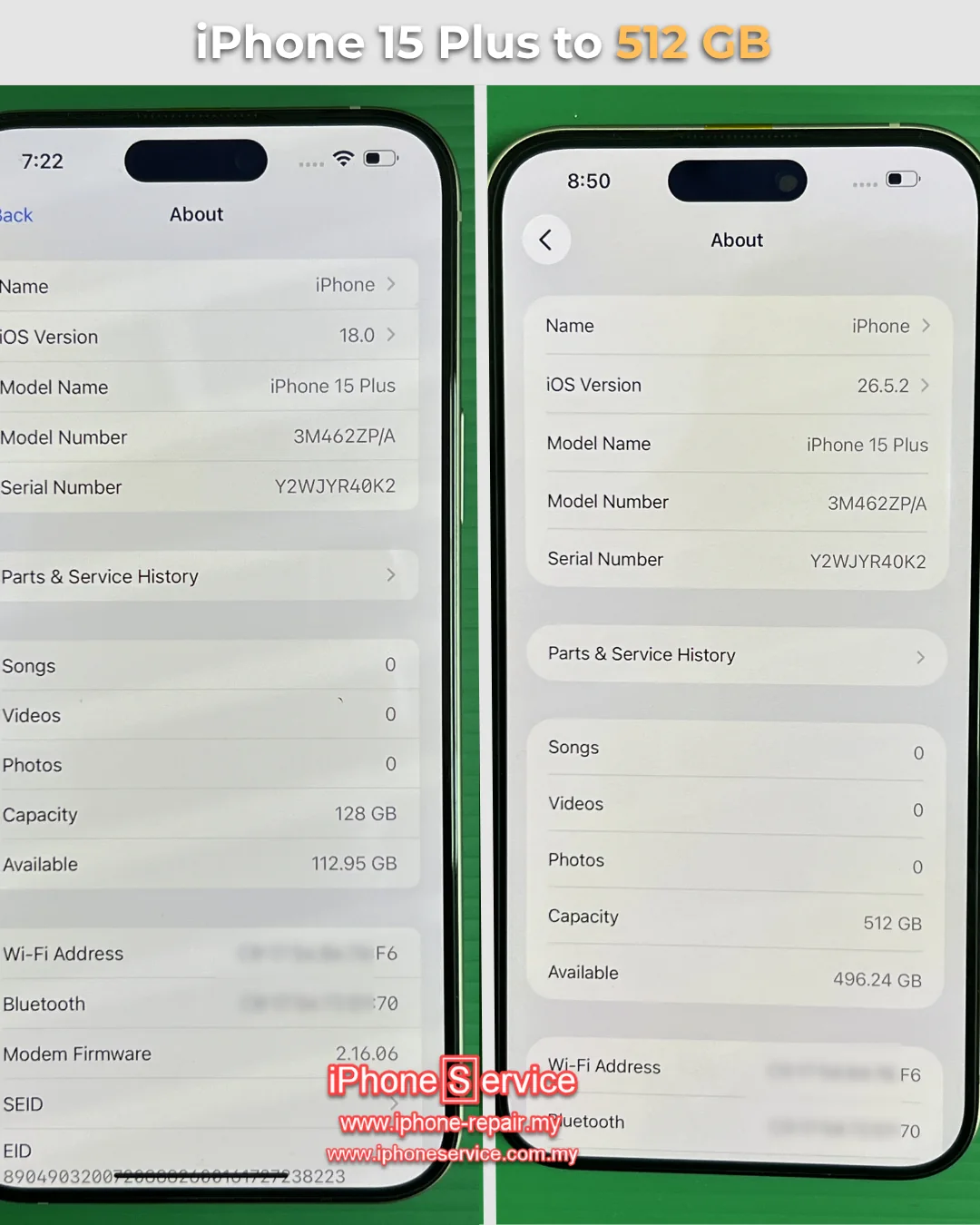
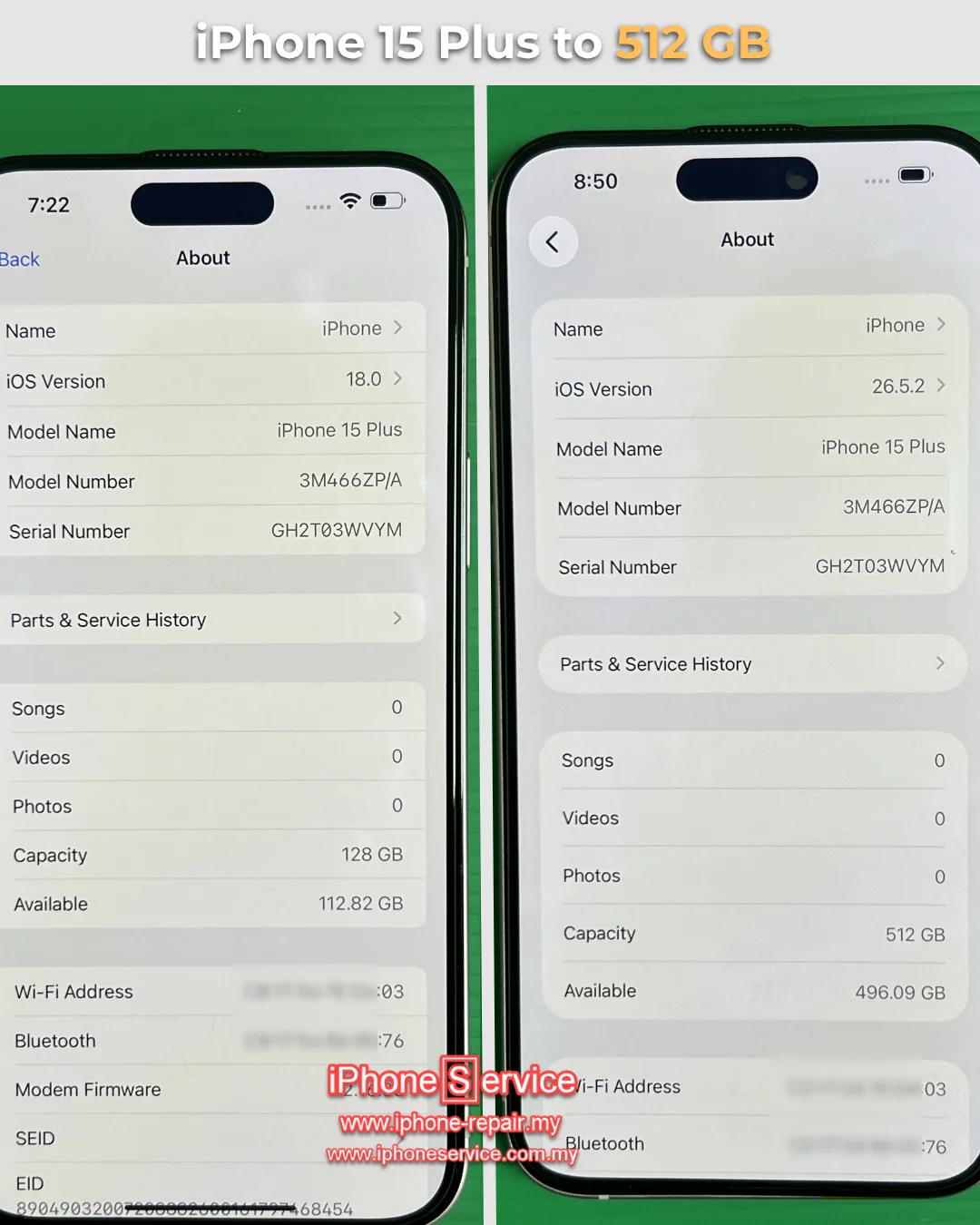
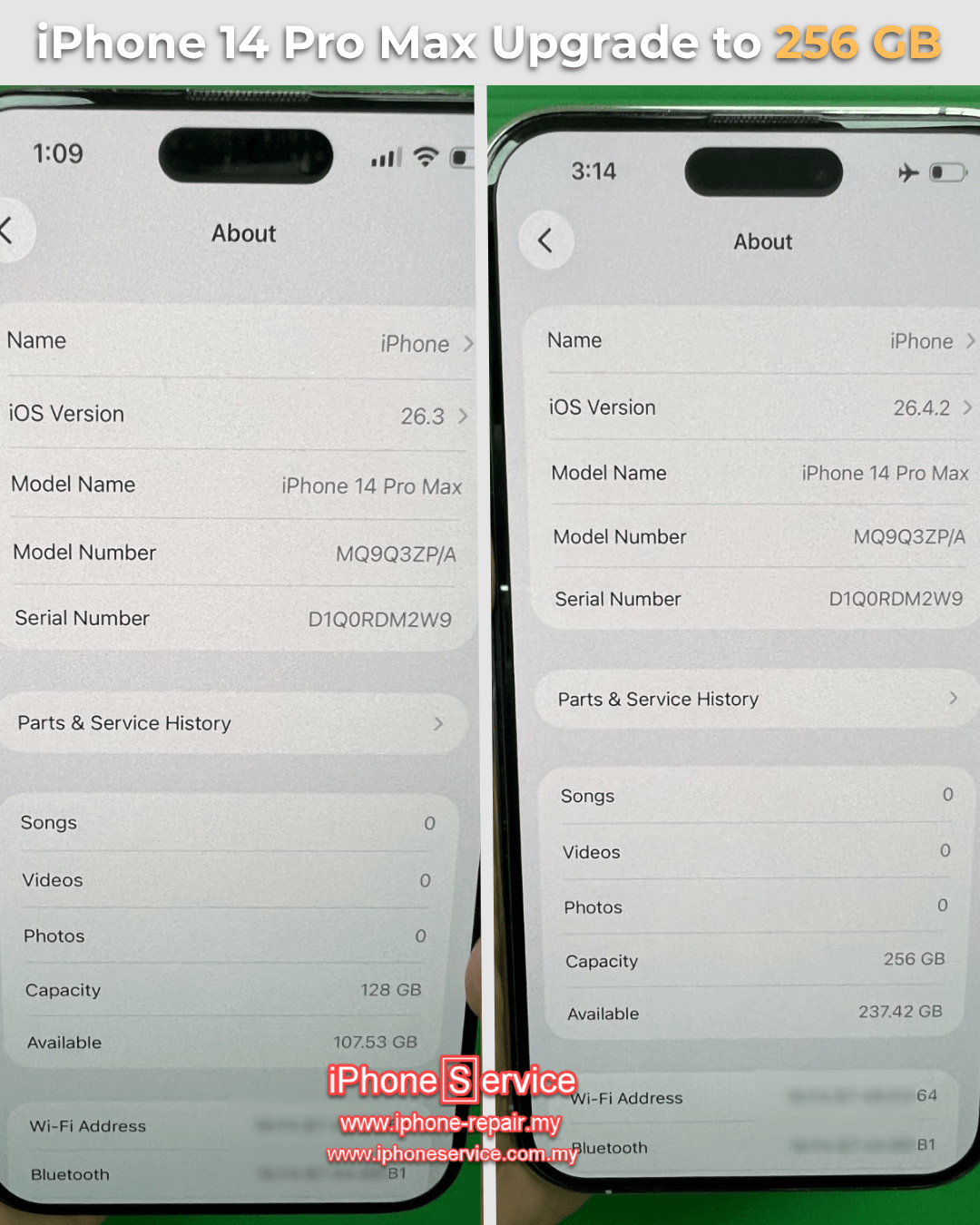
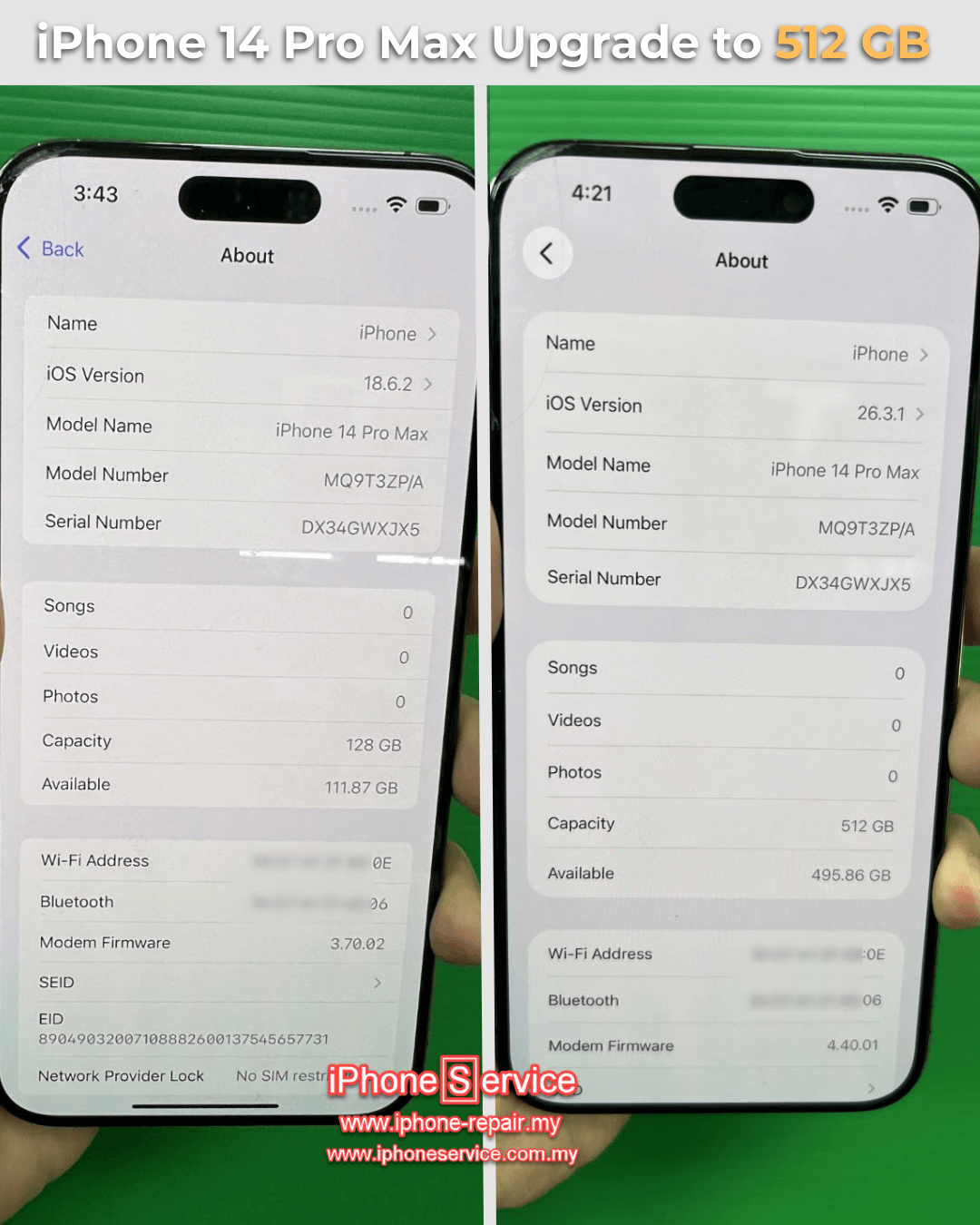
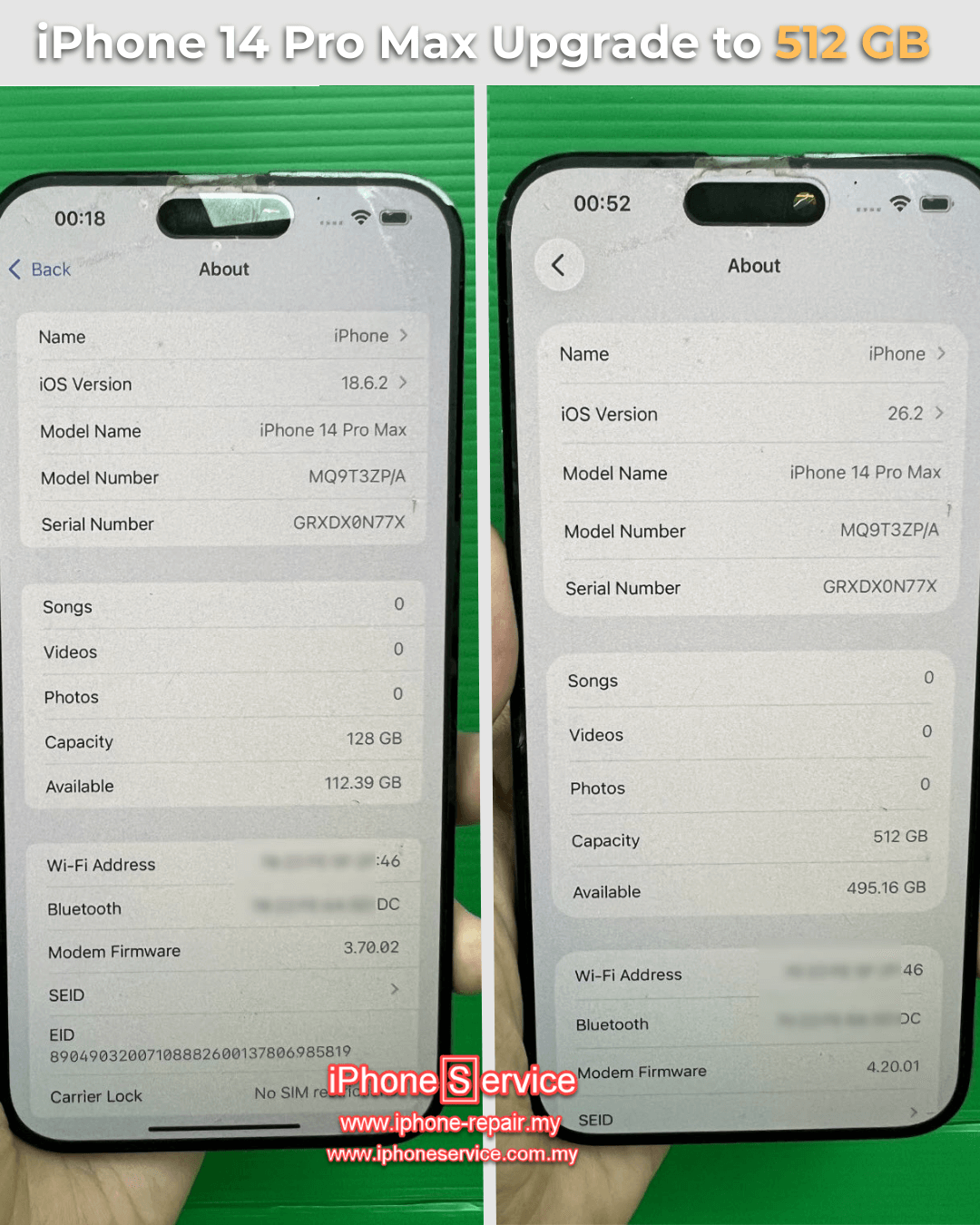
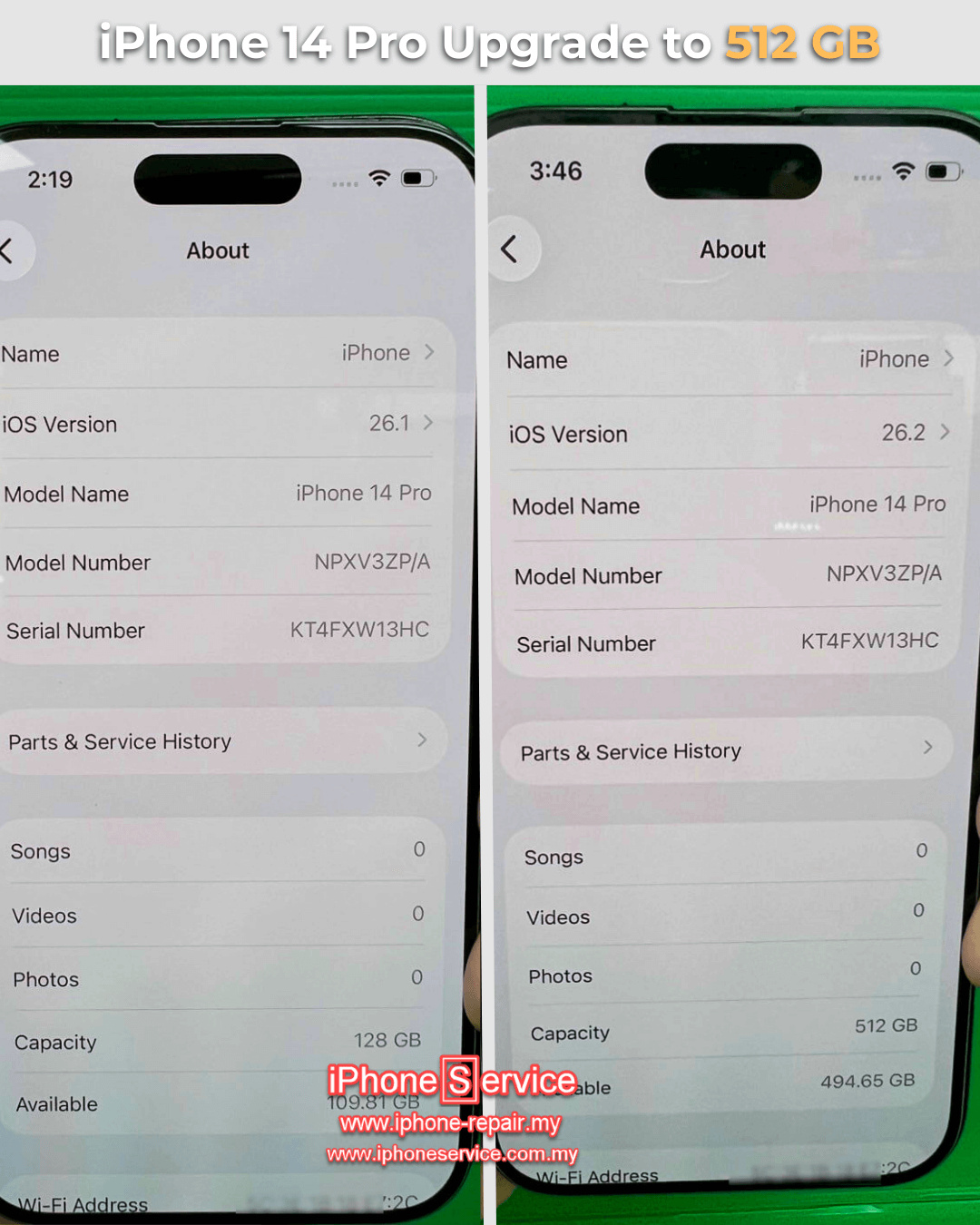
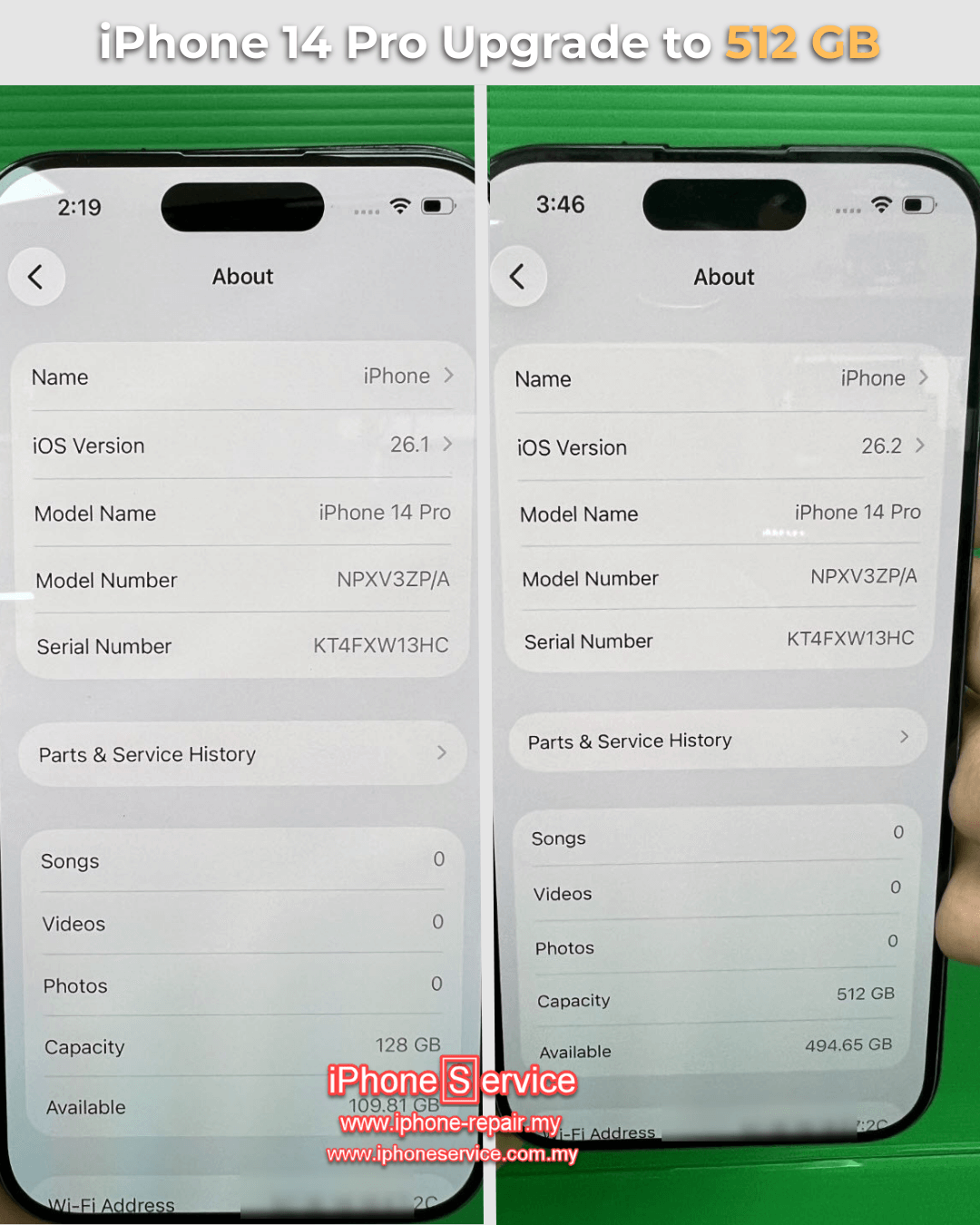
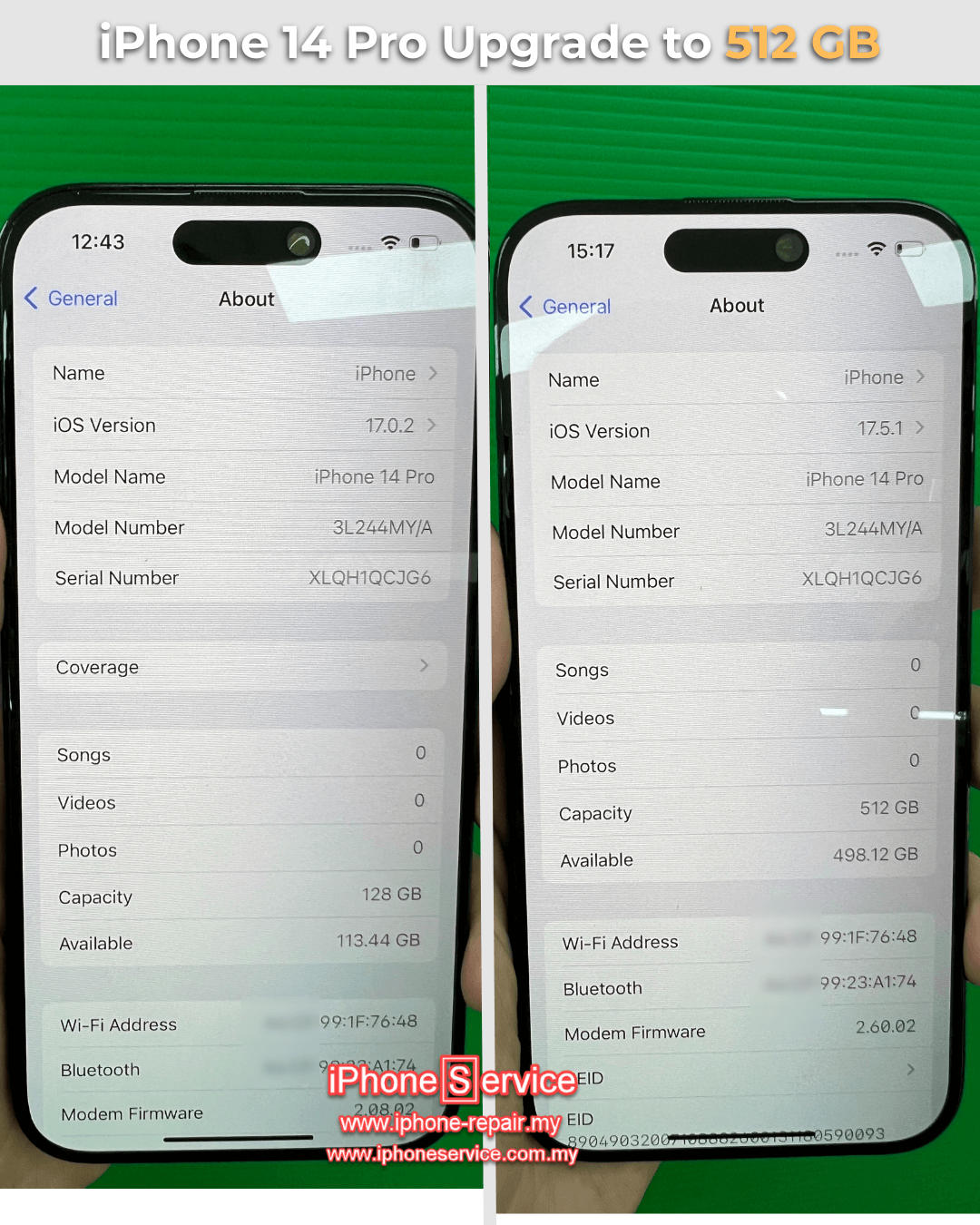
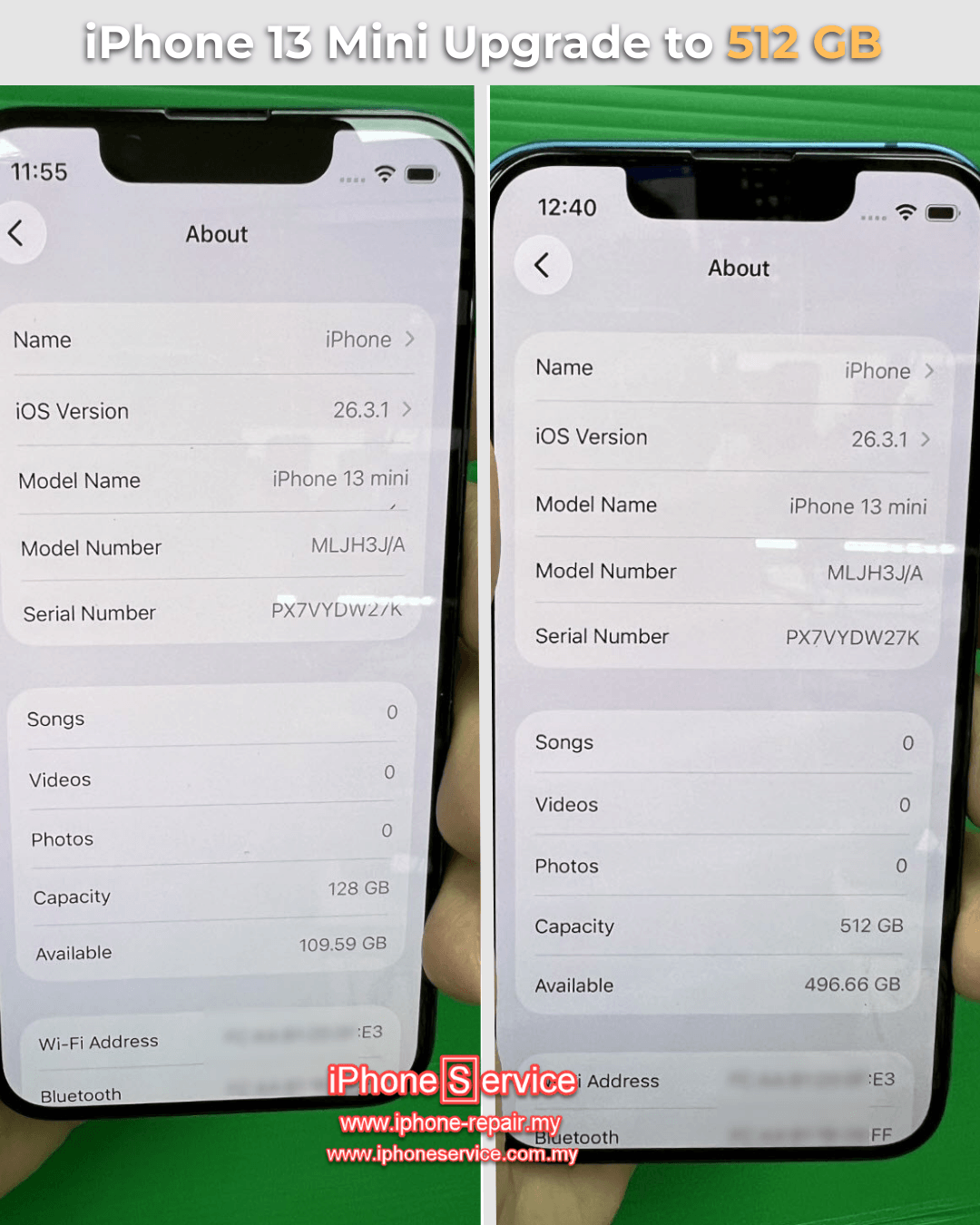
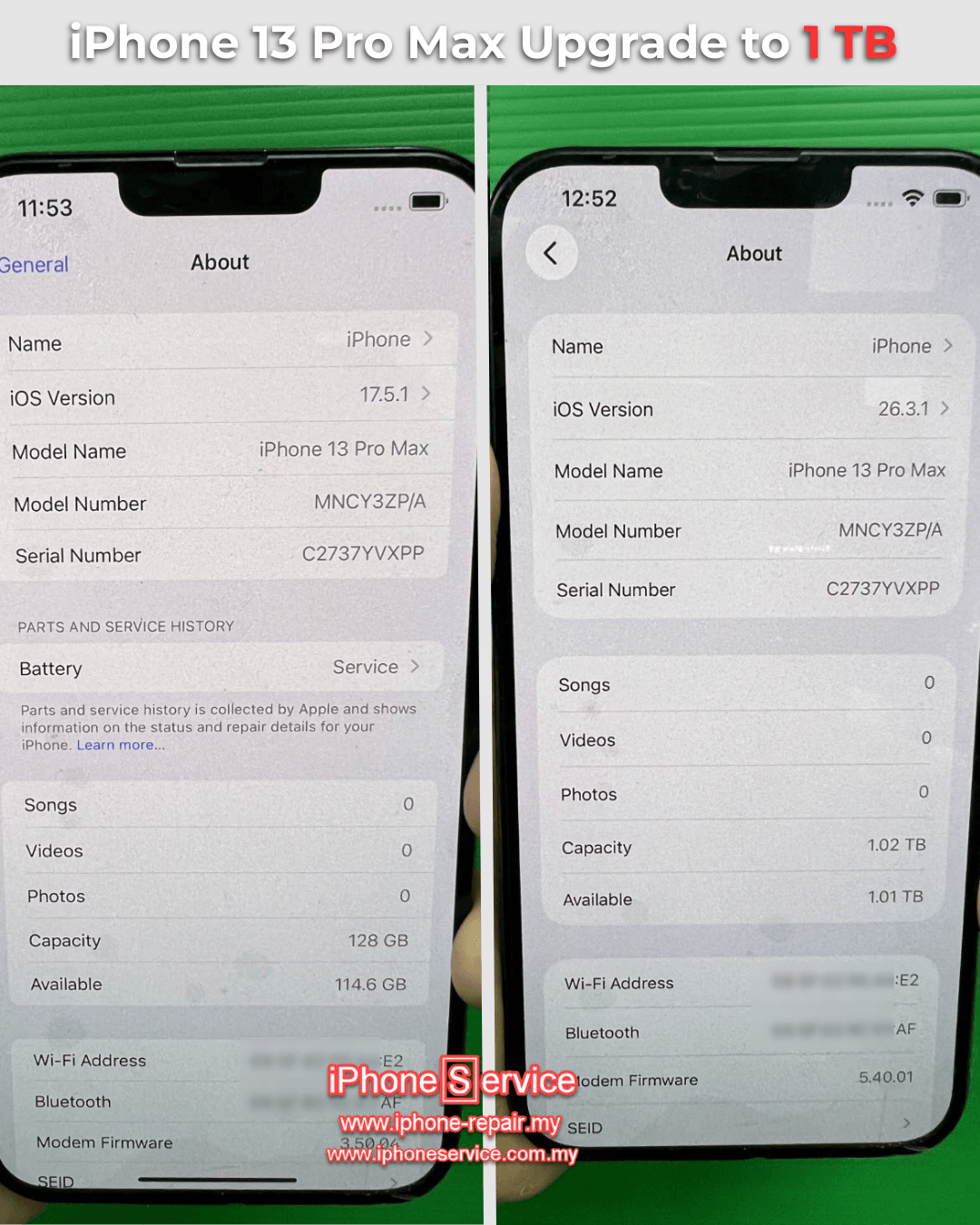
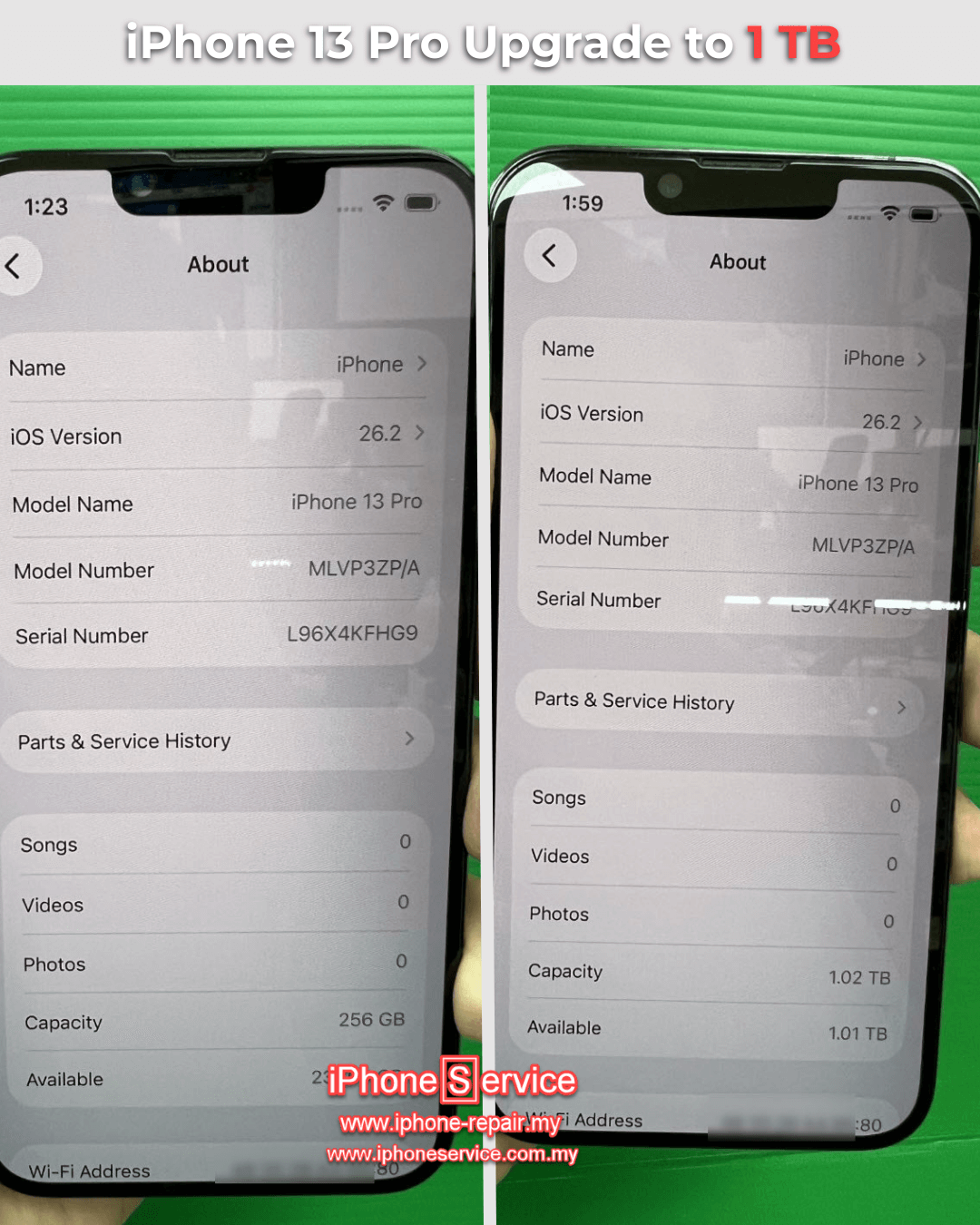
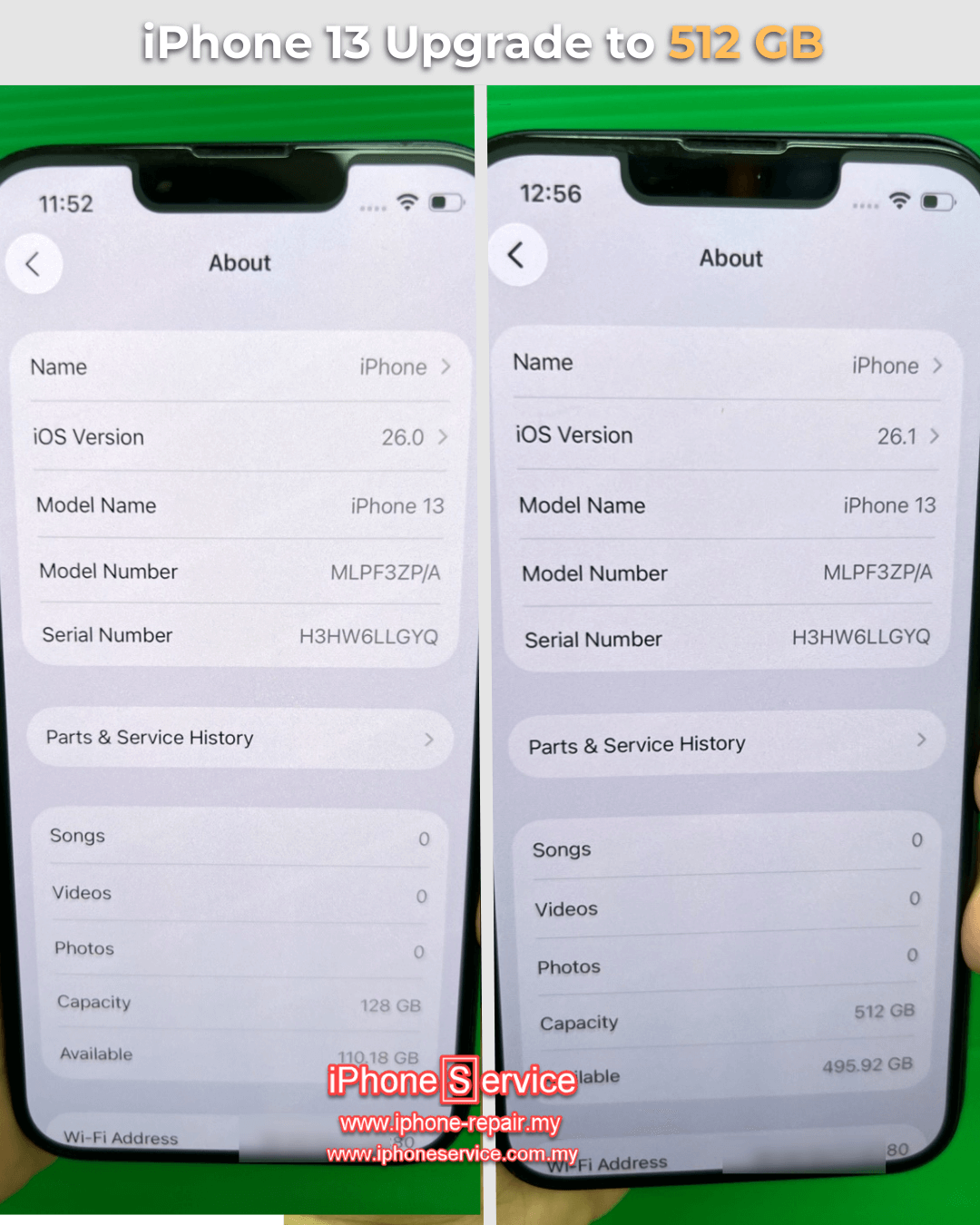
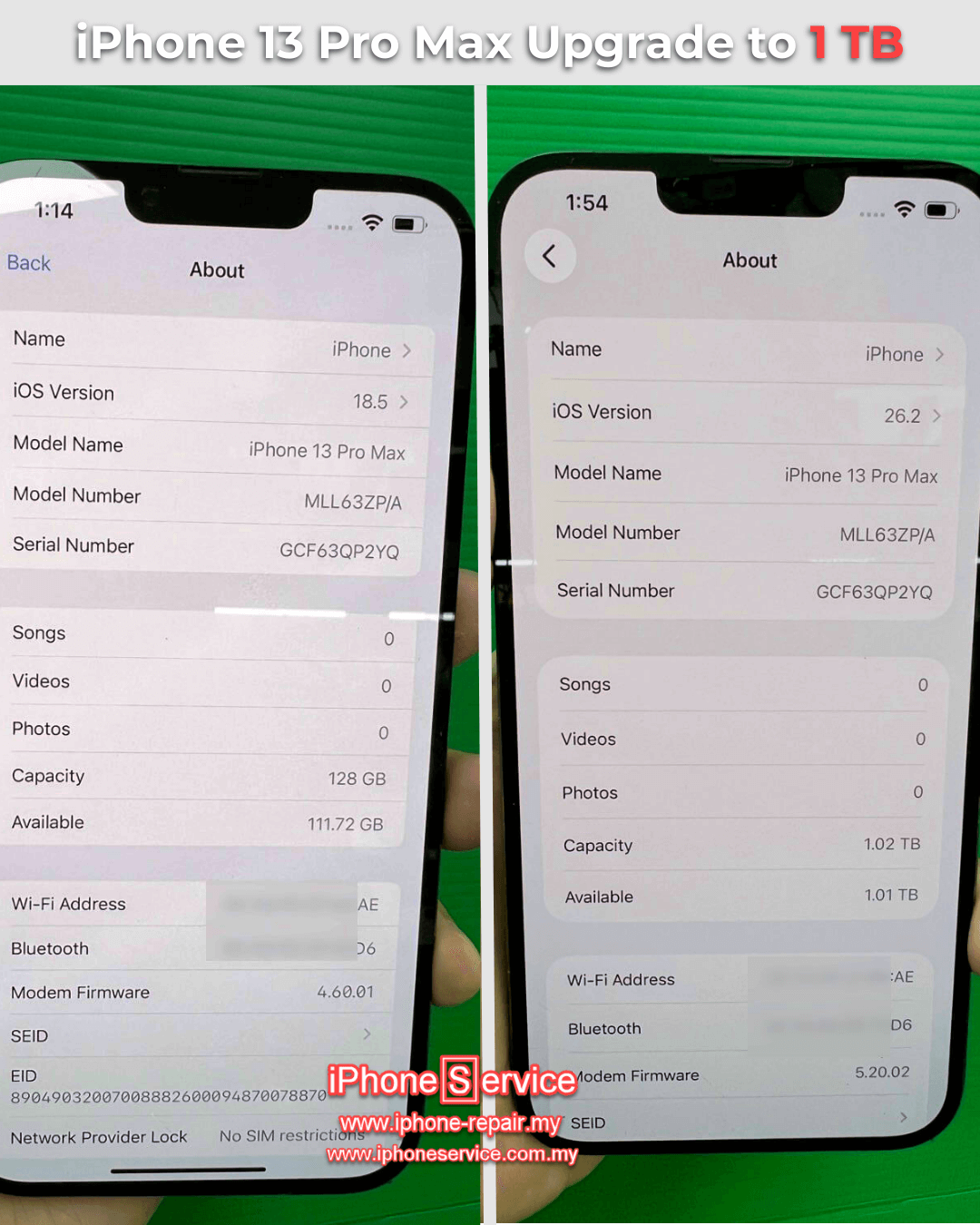
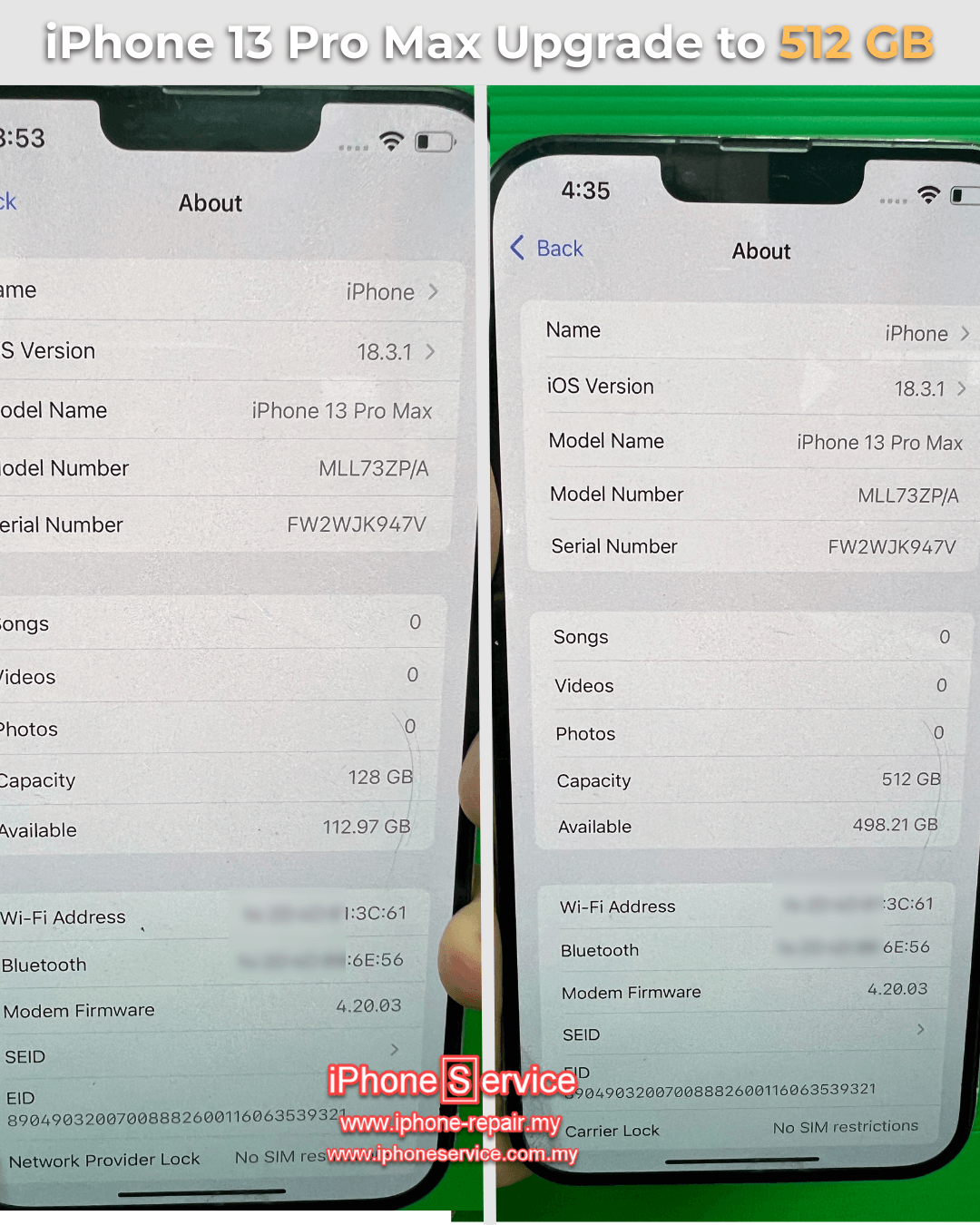
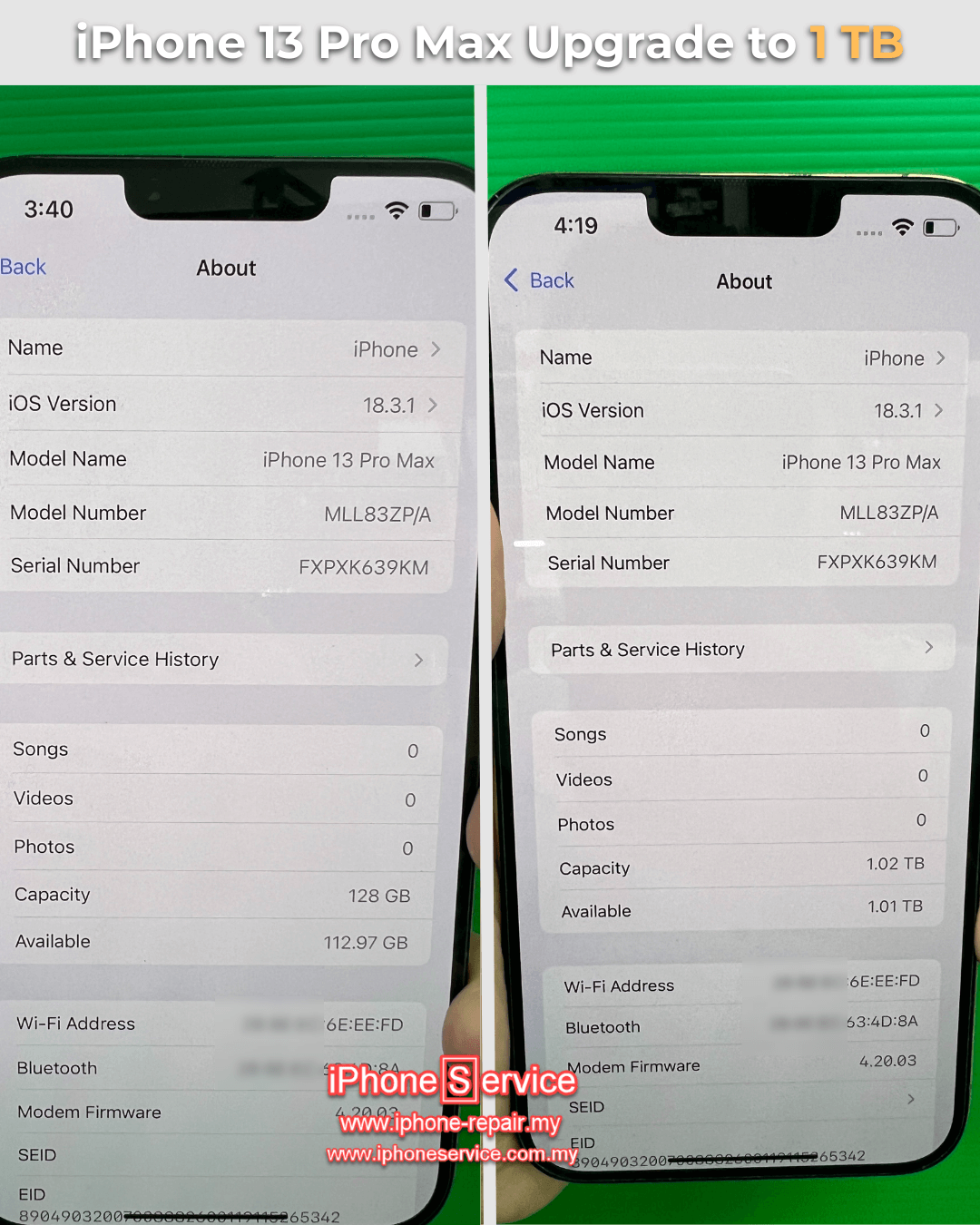
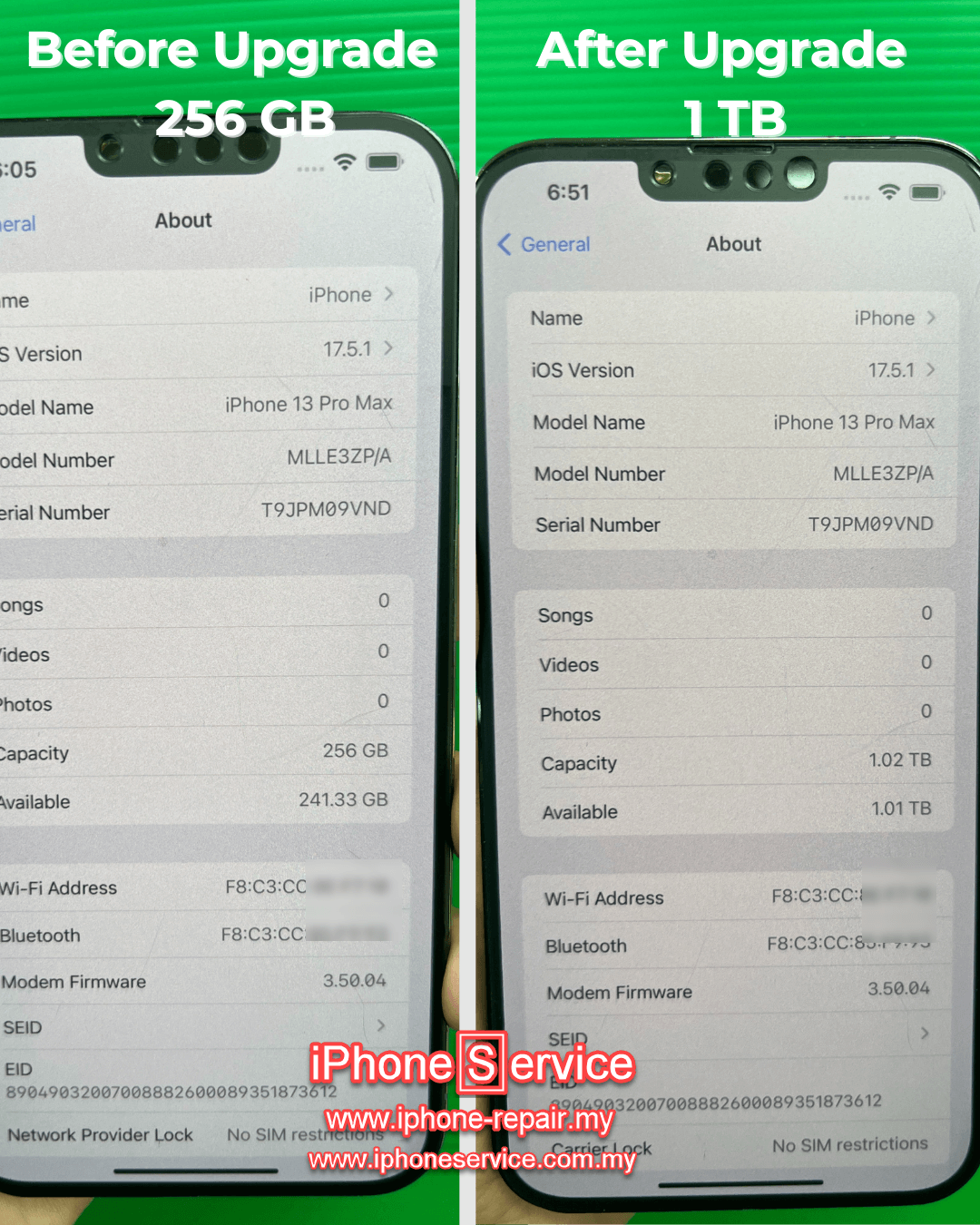
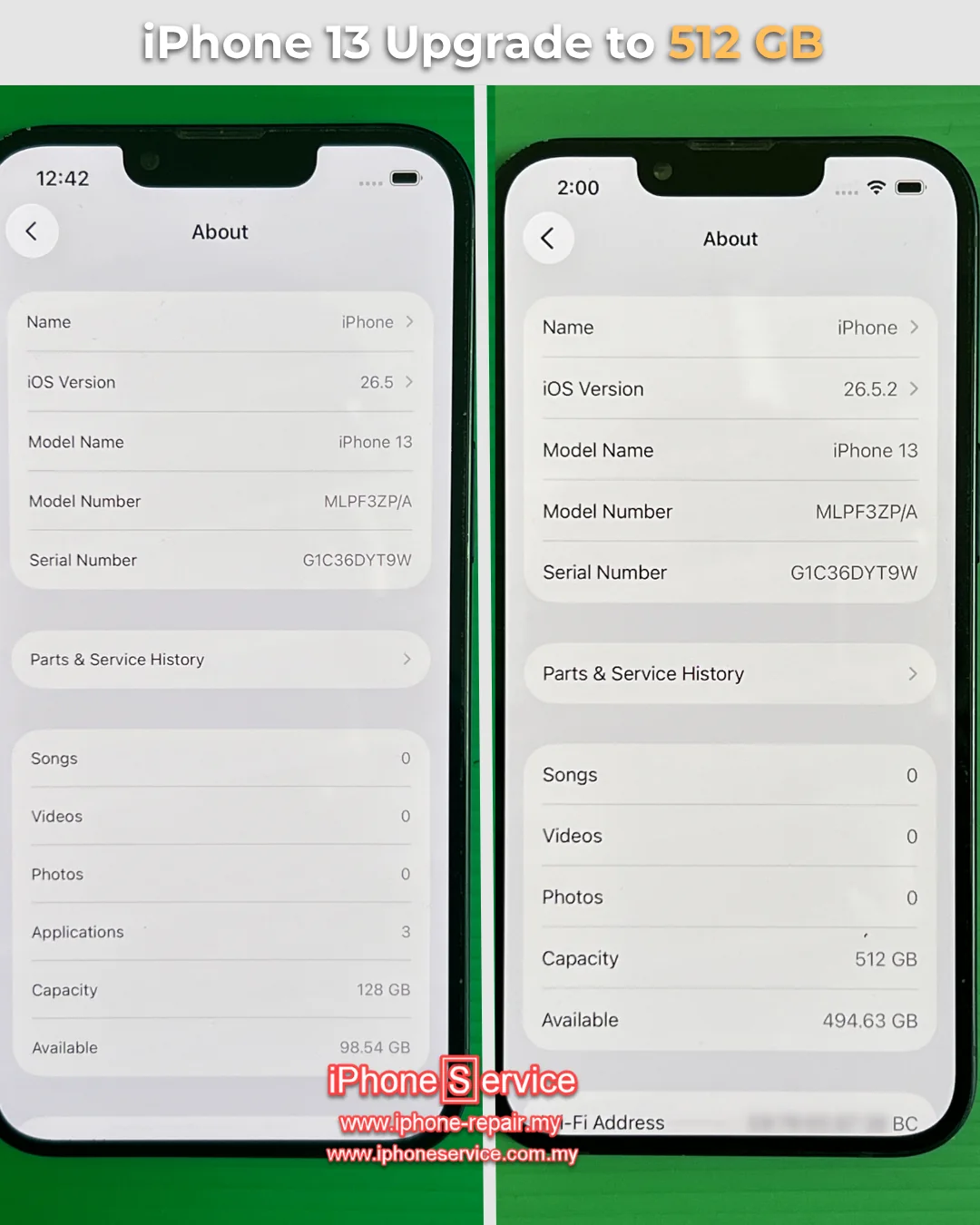
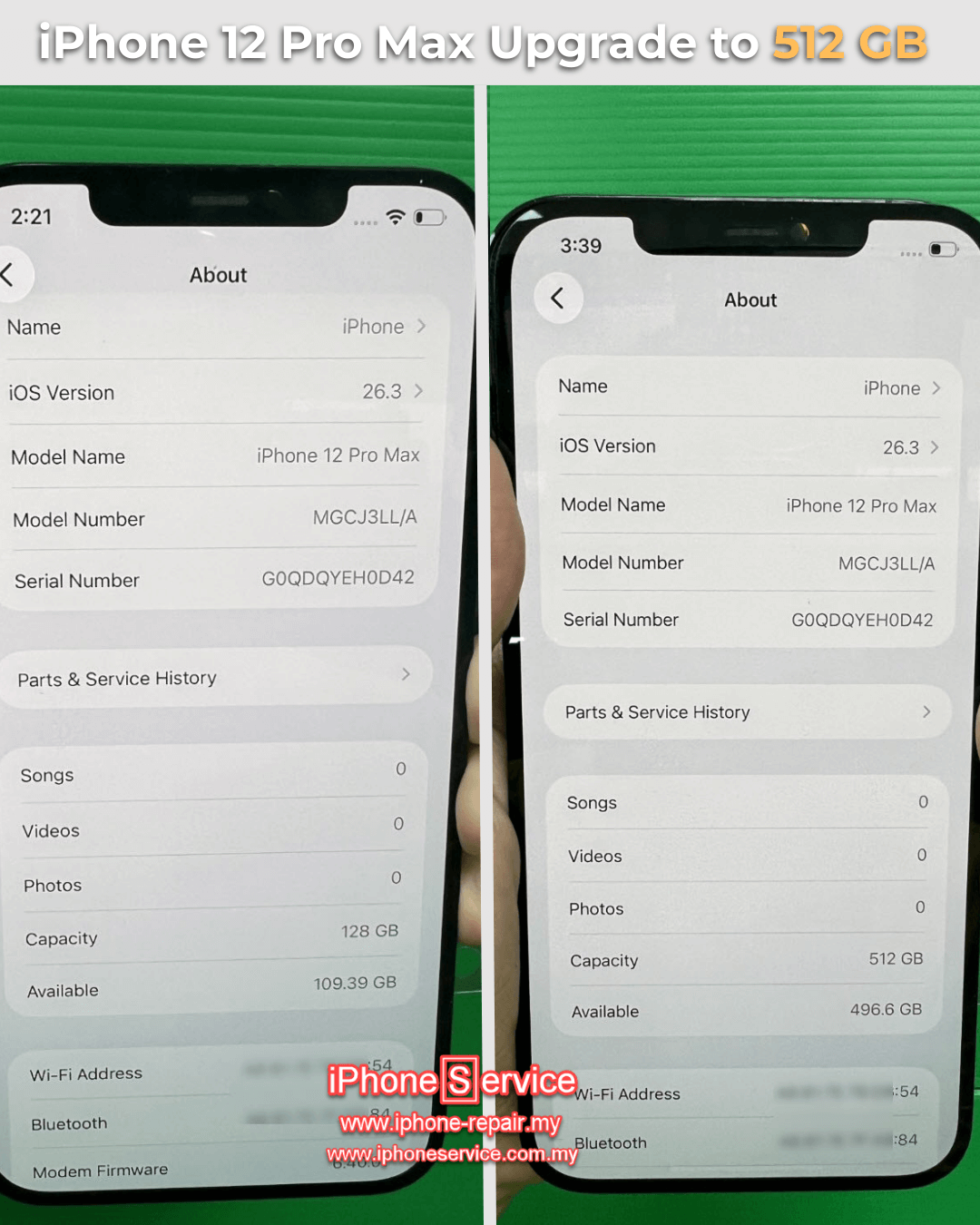
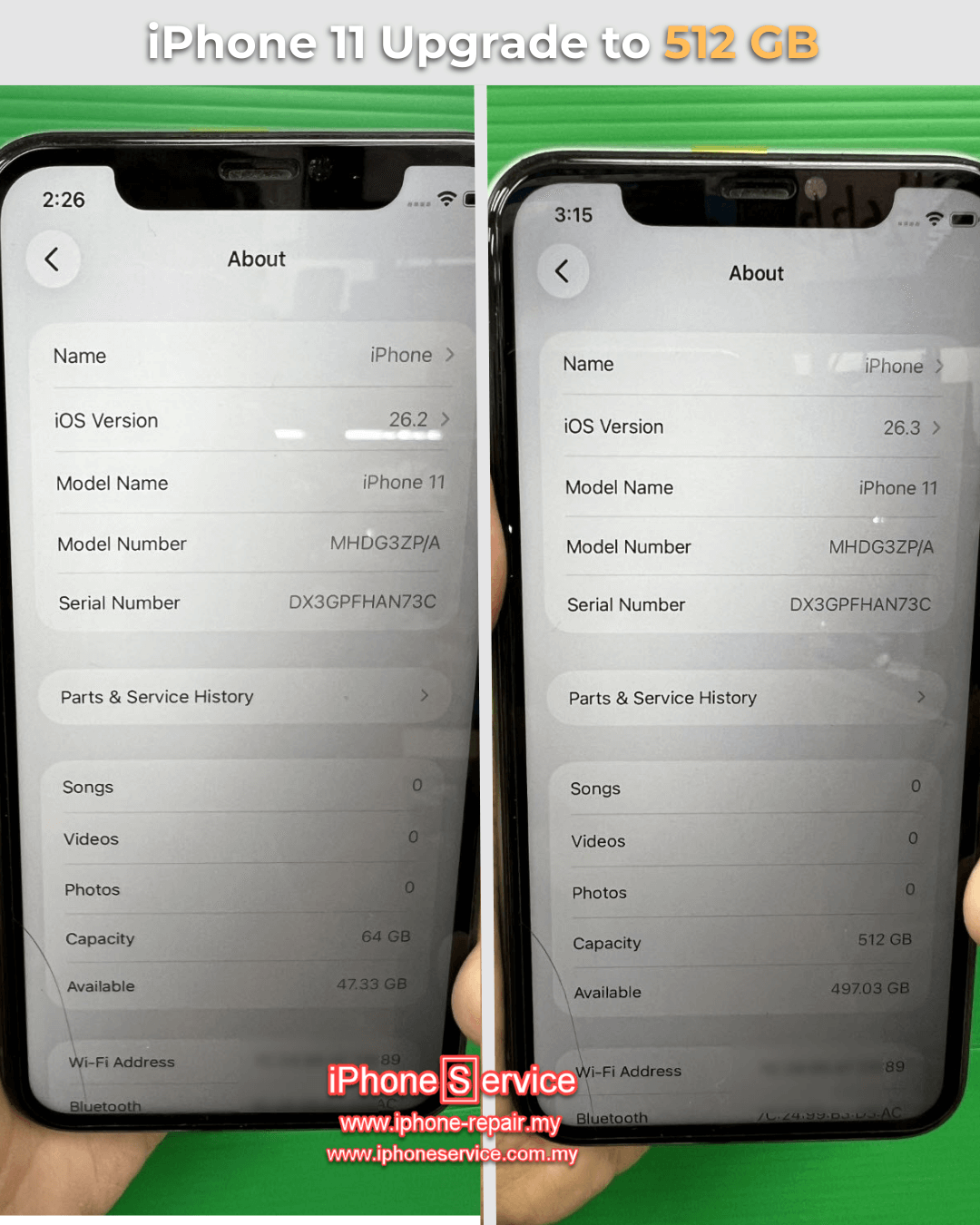
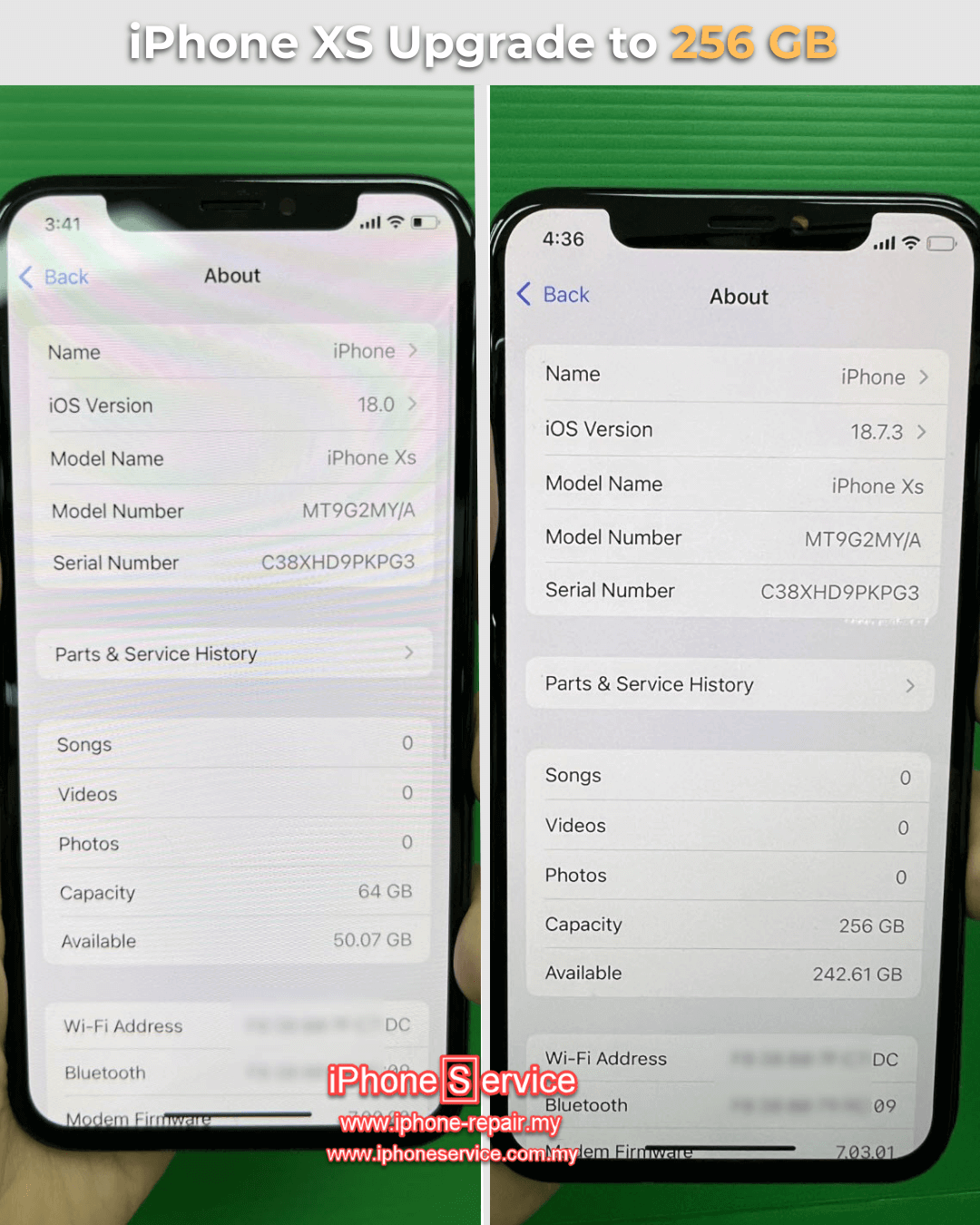
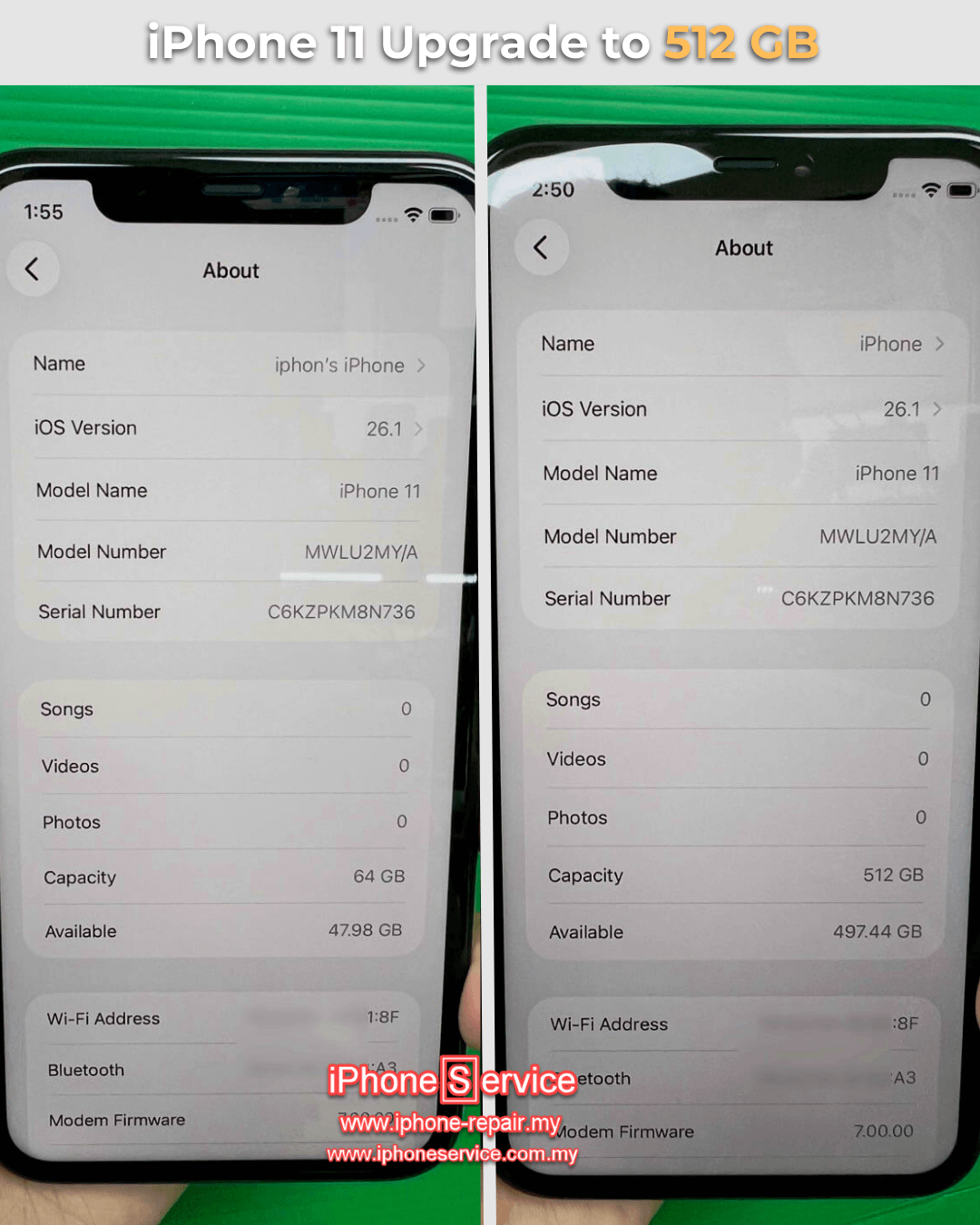
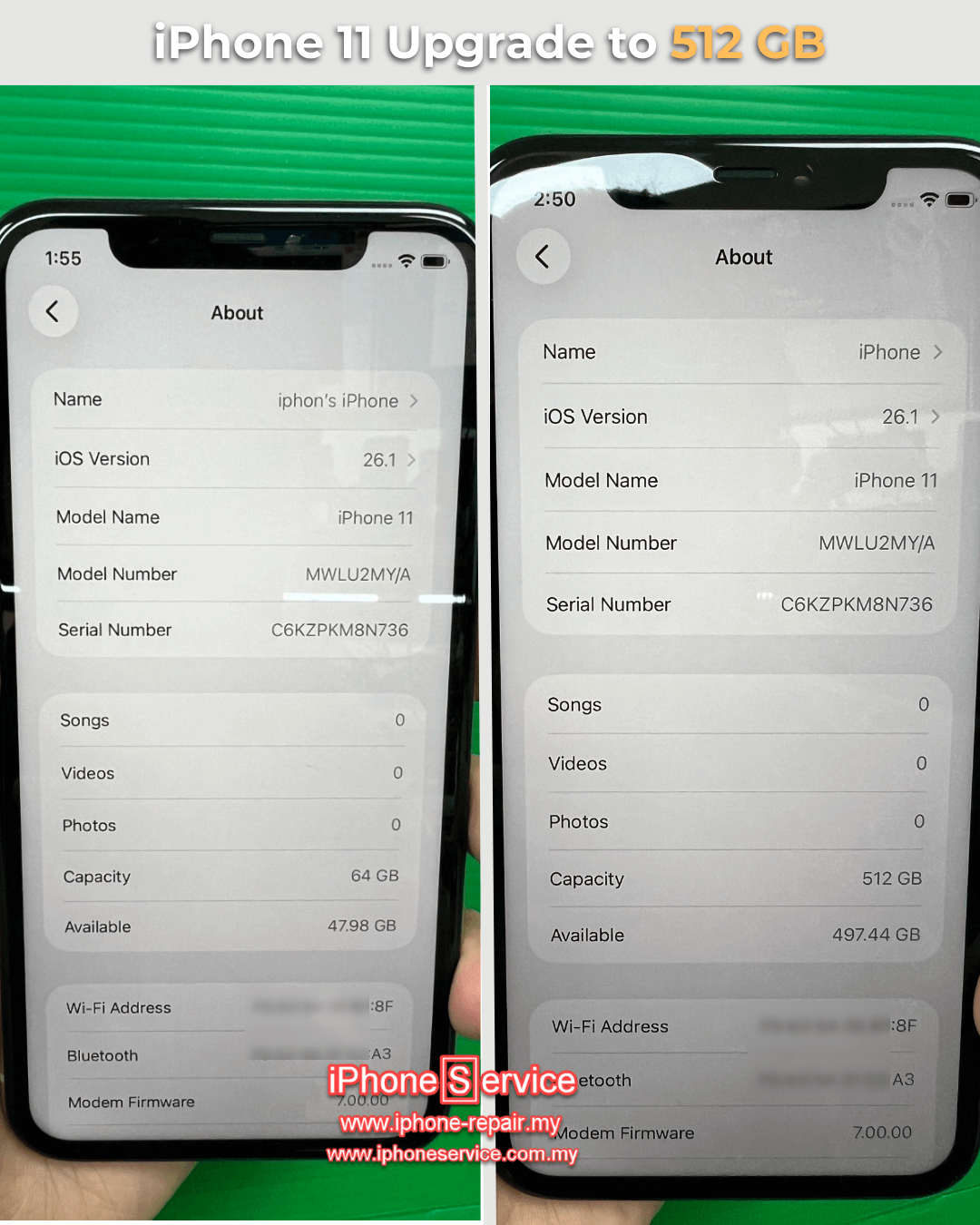
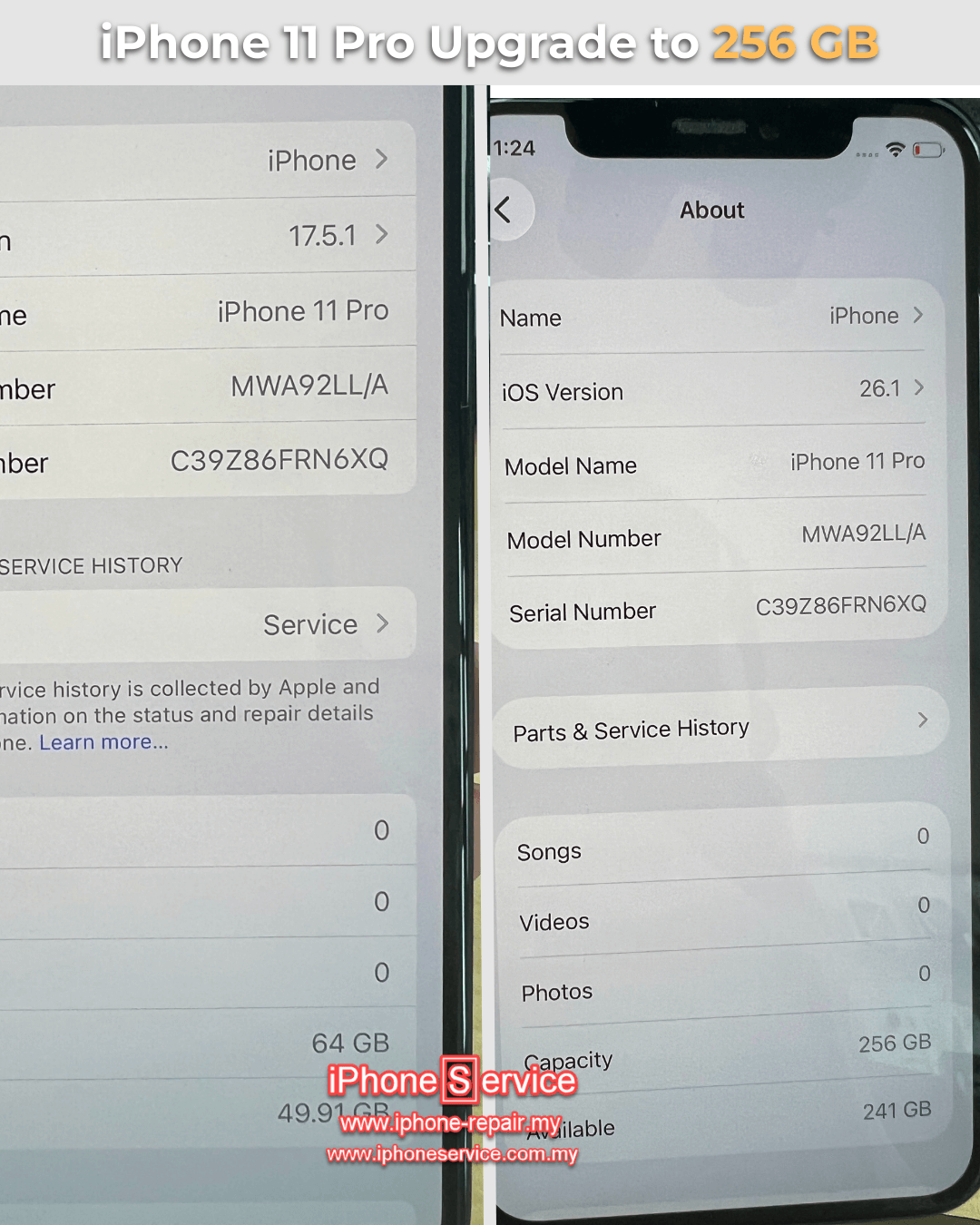
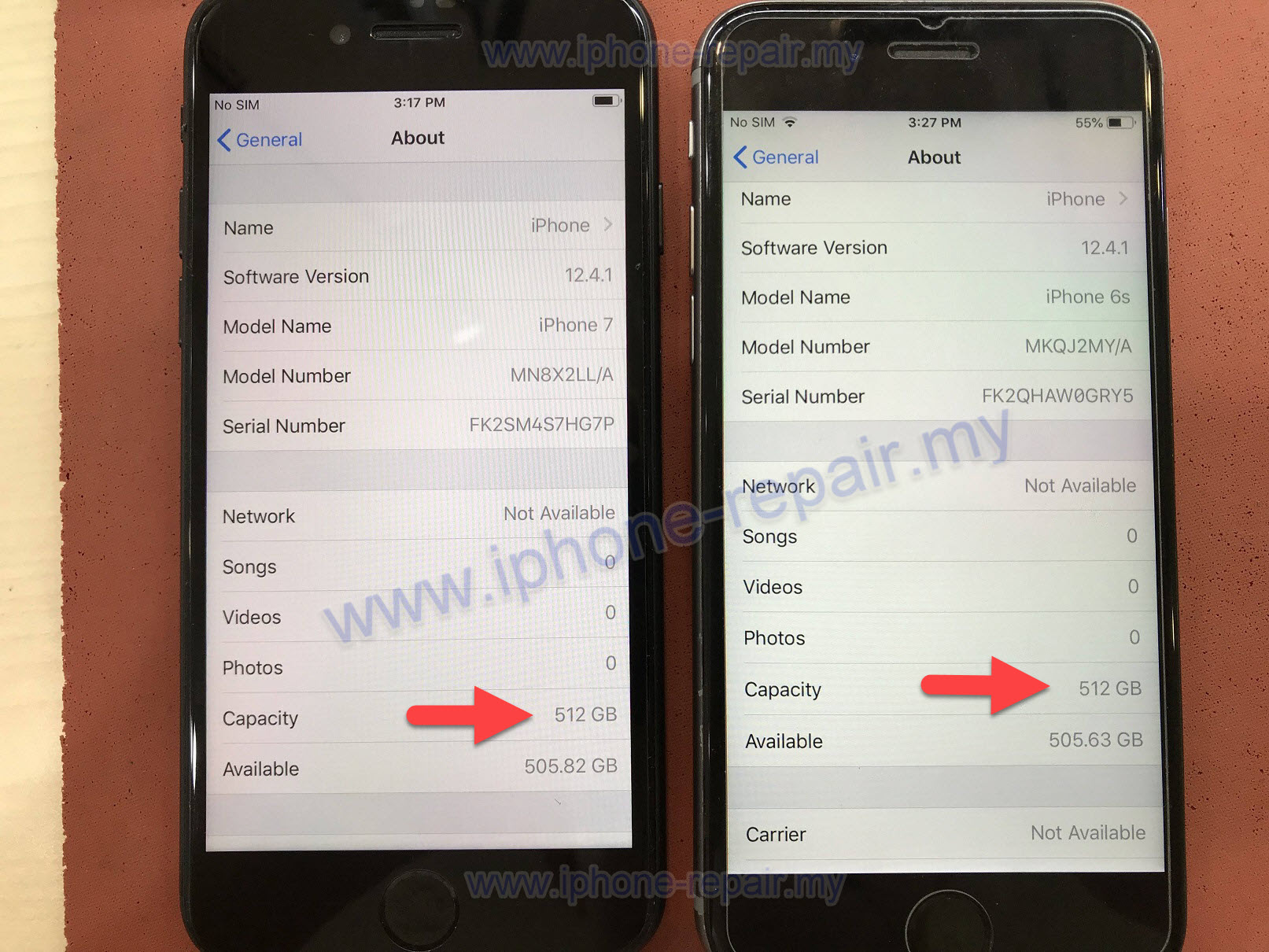
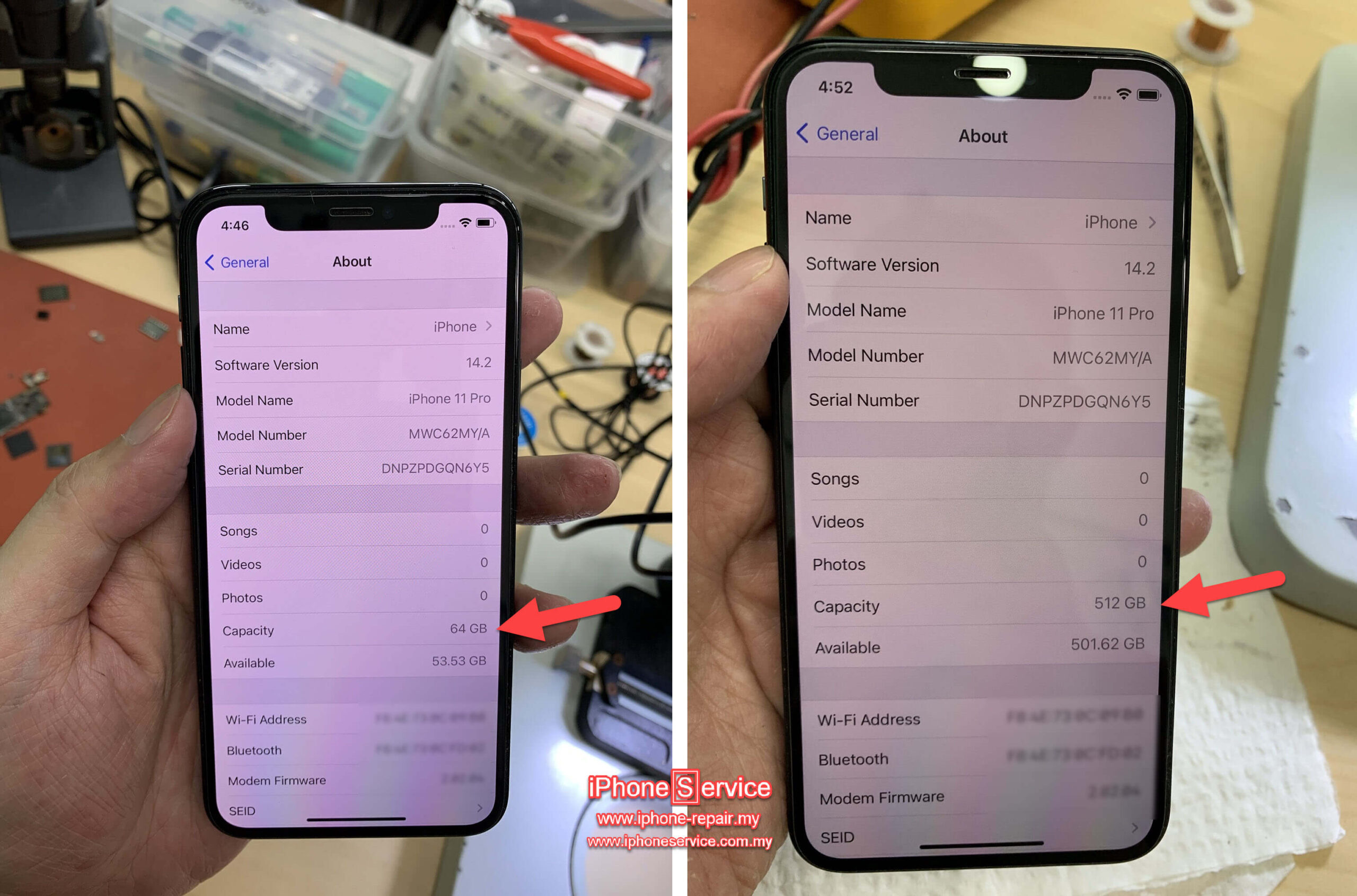
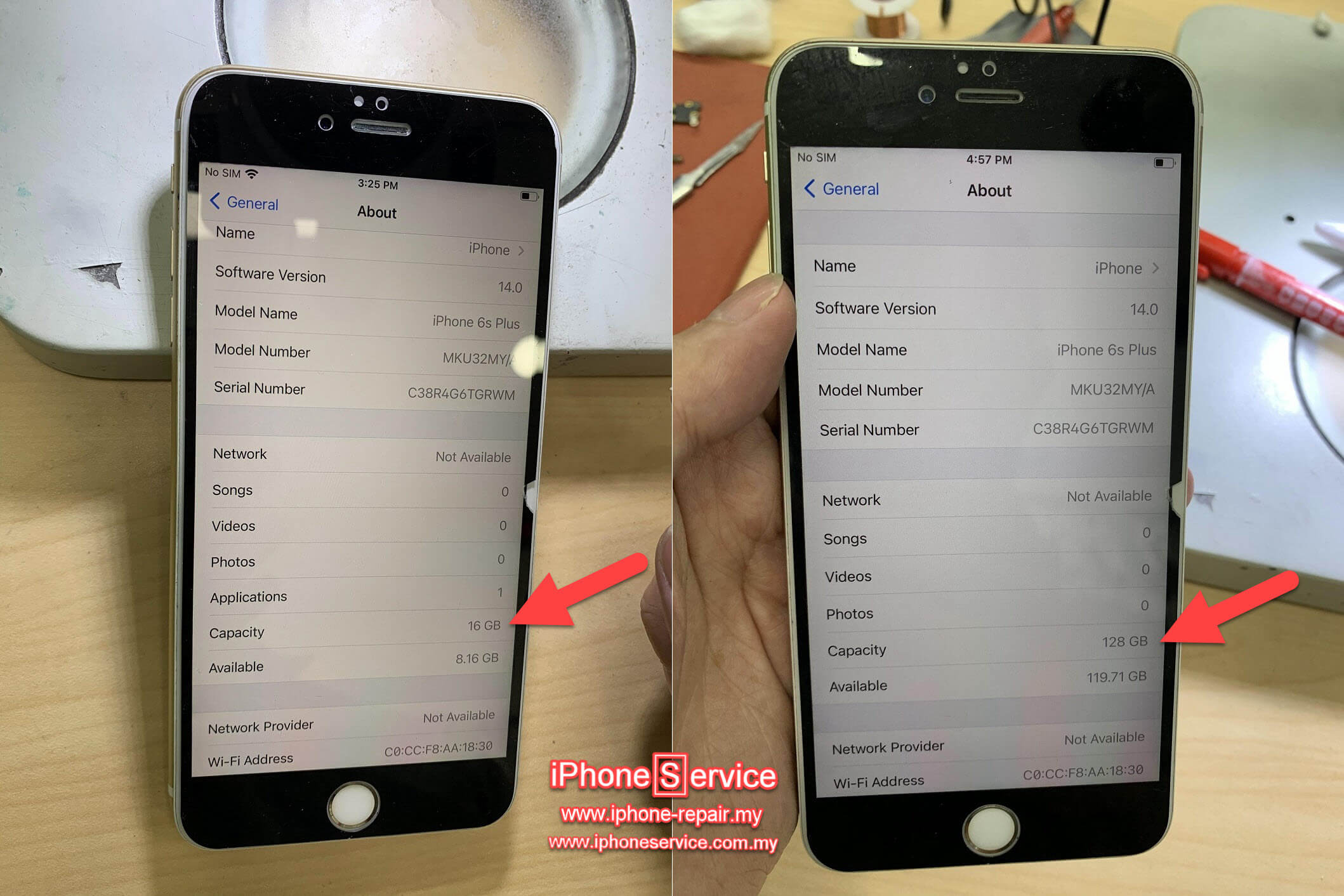
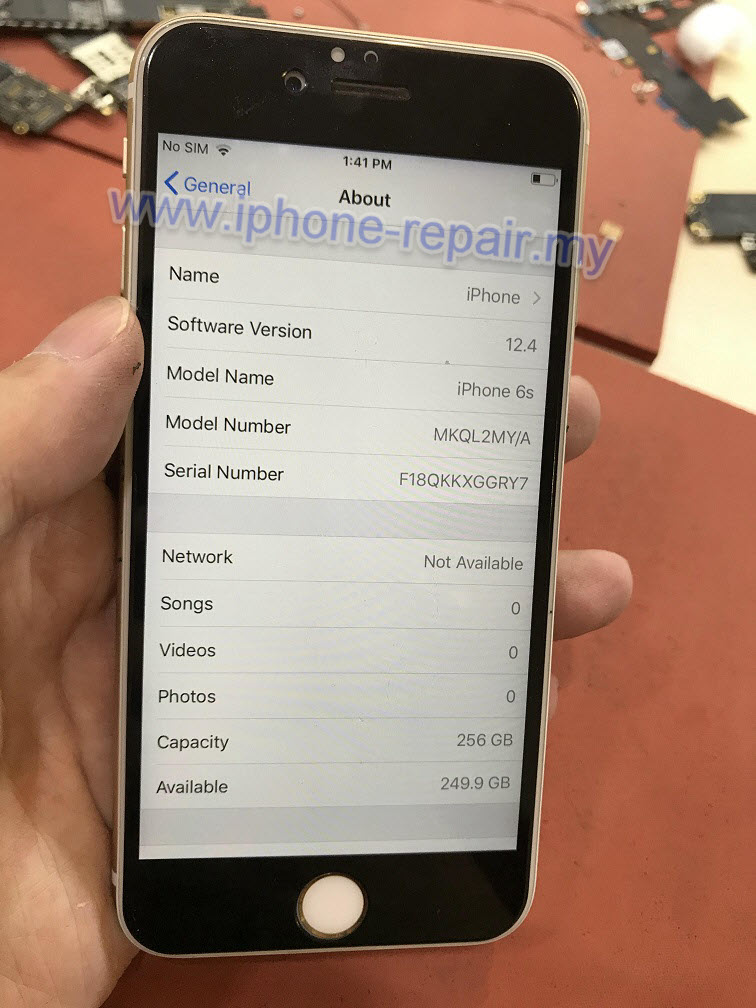
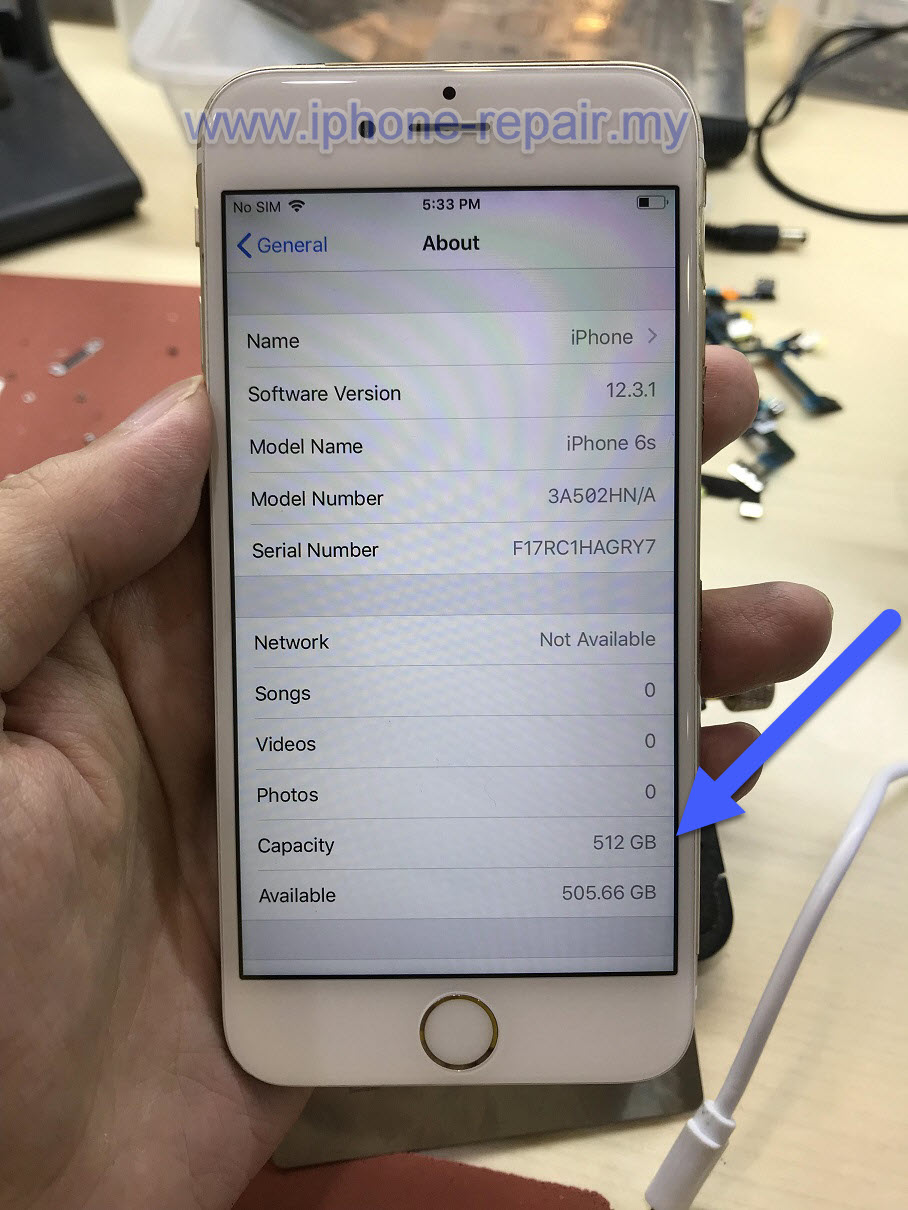
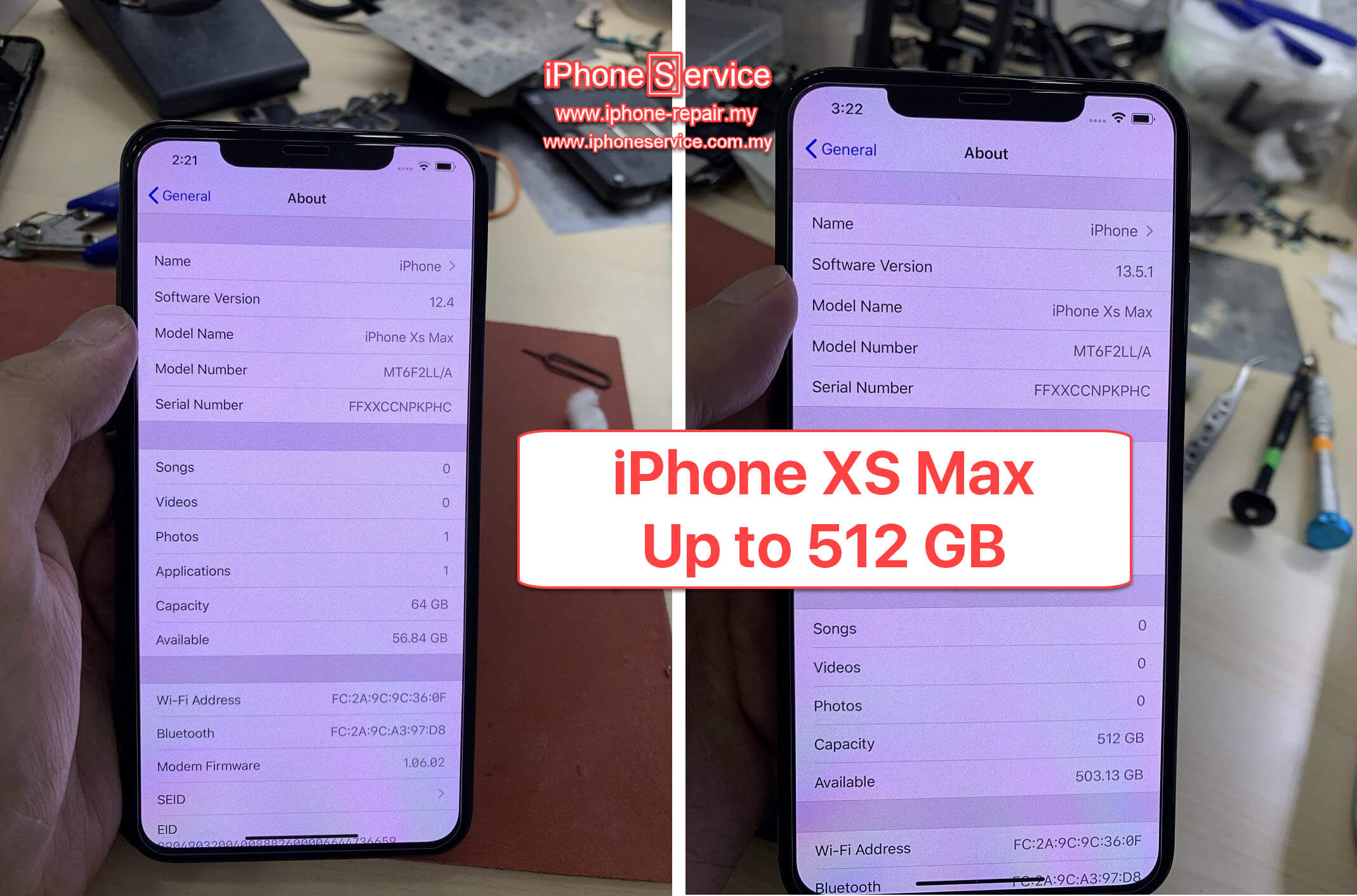
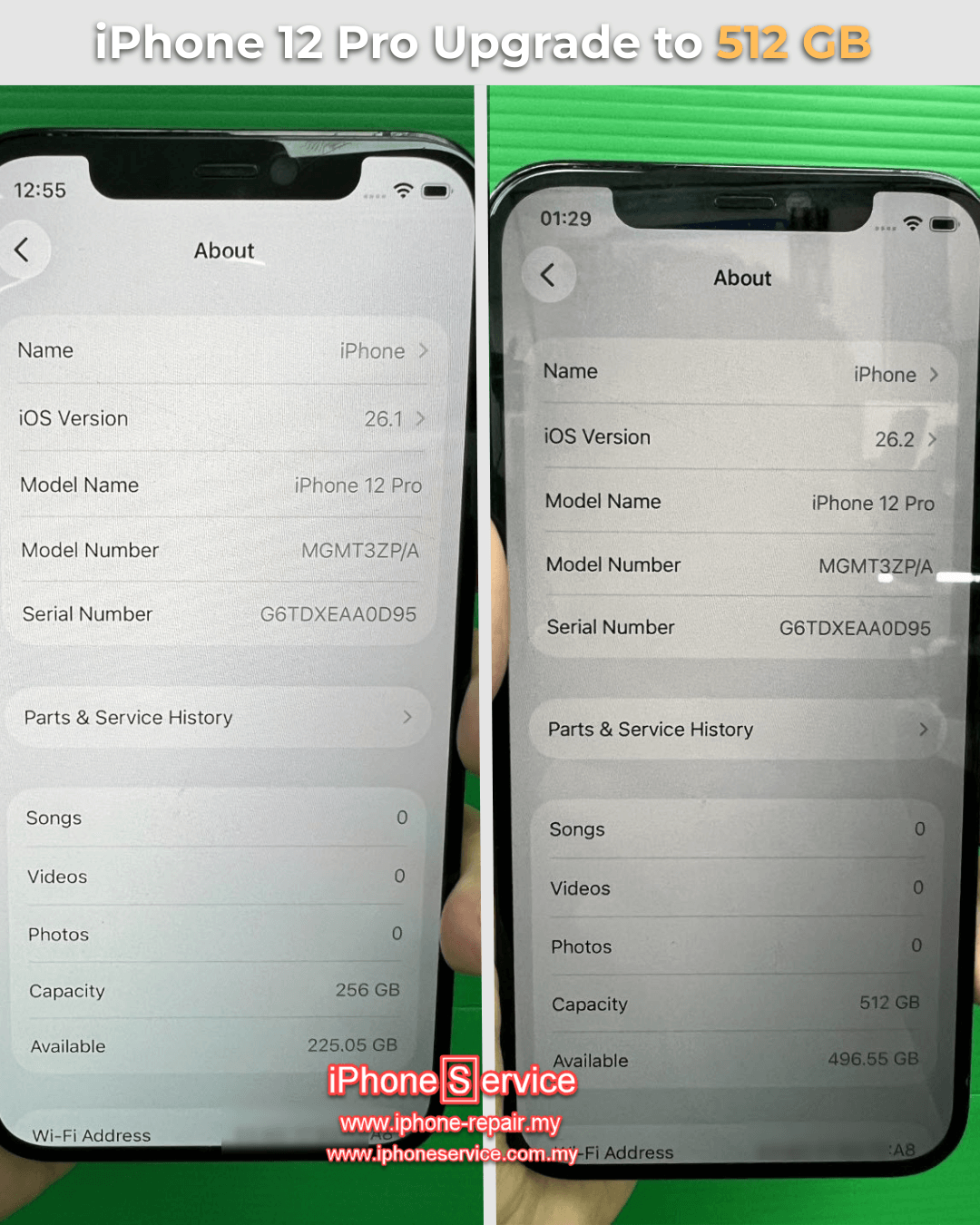
Professional iPhone storage upgrade in Malaysia showing a NAND flash upgrade from 128 GB to 512 GB with before and after comparison.

Upgrade your iPhone storage without replacing your device. We provide professional iPhone NAND flash storage upgrade services in Malaysia, increasing your iPhone’s storage capacity through advanced logic board microsoldering. Since 2016, we have provided storage upgrade services for repair shops, refurbished iPhone suppliers, and individual customers with reliable workmanship and professional equipment.

Our storage upgrades preserve your iPhone’s original functionality while expanding its storage capacity. We support a wide range of iPhone models using high-quality NAND flash components and professional repair techniques developed through years of motherboard repair experience.

Have questions before upgrading? Read below Frequently Asked Questions (FAQ) to learn about warranty, turnaround time, and the upgrade process.

Upgrade iPhone Storage Price List

*All Prices include labour*

iPhone Models

Capacity (GB)

Price (RM)

6, 6 Plus

6S, 6S Plus

7, 7 Plus

SE 1st Gen 

64 / 128

250 / 300

8, 8 Plus

X


256

380

XR, XS & XS Max

256 / 512

380 / 450

11, 11 Pro & 11 Pro Max

SE2

128 / 256 / 512

380 / 430 / 500

SE3, 12 & 13 Series

256

480

12 Pro & 12 Pro Max

13 Series

256 / 512

480 / 550

13 Pro & 13 Pro Max

1 TB

650

14, 14 Plus, 14 Pro & 14 Pro Max

15, 15 Plus, 15 Pro & 15 Pro Max

256 / 512

480 / 600

14 Pro & 14 Pro Max

15 Pro & 15 Pro Max

1 TB

900

16 Series

256 / 512

500 / 650

16 Pro & 16 Pro Max

1 TB

1200

17 Series

512

750

17 Pro & 17 Pro Max

1 TB

1350

17 Pro Max

2 TB

2100

FAQs

Please read the FAQ before the inquiry.

For most models, the upgrade takes about 4 hours if you book an appointment in advance.
Please ensure you send in your device before 1:00 PM; otherwise, it will be ready for next-day collection.

For iPhone mini models and selected iPhone 14 and iPhone 16 models, the storage upgrade may take 1 to 2 working days. These models require additional care during disassembly to minimize the risk of cosmetic marks, and extra time may also be needed for server-side verification.

Yes, please make sure to back up your own data before bringing in your device, as we will need to reformat and update it during the upgrade.
This also means you should remove any passwords and log out of iCloud beforehand.

If you would like us to handle the data backup for you, we can provide this service for an additional RM50.
Please note that the process will take 2–3 working days, as our systems are currently at full capacity and may not be able to handle immediate backup and transfer.

Yes, we provide a 90-days warranty for our storage upgrade service.

However, this warranty does not cover issues related to the LCD screen, buttons, camera, or other parts unrelated to the storage upgrade.

The warranty period is limited to one month because we cannot control how clients use or handle their devices after the upgrade. Improper handling or using incompatible chargers can cause damage. This is why we thoroughly test all functions and inspect the motherboard before returning your device.

That said, if there’s a genuine issue with the upgraded storage after a few months, we may still honor the warranty on a case-by-case basis, provided that:

  • The device has not been tampered with, and

  • Our warranty seals remain intact.

Yes, you can.

We’ve successfully upgraded hundreds of iPhones — from the iPhone 5 up to the iPhone 15 — and none have experienced any issues with future iOS updates.

Apple’s servers do not restrict or block devices based on upgraded storage capacity, so you can update iOS as usual.

No, the upgrade does not cause any negative side effects.

In fact, for some older iPhone models, upgrading to a higher-capacity memory chip can make the device slightly faster because these chips have better read/write speeds.

I’ve explained this in detail in an article on my old blog — click here to read it.

For models after iPhone X, the speed improvement is minimal and usually not noticeable.

Is the upgraded storage chip original?

Apple does not manufacture its own memory chips. Instead, iPhone storage uses NAND flash chips supplied by leading manufacturers such as Samsung, Kioxia (formerly Toshiba), SanDisk, SK hynix, and others.

We use high quality NAND chips from the same manufacturers used by Apple. Whenever possible, we match the replacement chip to your iPhone’s original NAND supplier. For example, if your iPhone originally uses a Samsung NAND chip, we will install a Samsung NAND chip.

We also use professional developer tools and software provided by these manufacturers to perform the upgrade. These tools are purchased directly, allowing us to provide a specialized service that Apple service centers do not offer.

Replacing the NAND chip requires advanced microsoldering skills to safely remove the original chip, program the replacement chip, and reinstall it onto the logic board.

iPhones are not waterproof. They are water resistant.

After the storage upgrade, we install a brand-new water-resistant adhesive seal before reassembling your iPhone. However, no repair shop, including Apple, can guarantee the original level of water resistance once an iPhone has been opened.

Water resistance naturally decreases over time due to normal use, heat, cold, drops, and the aging of the adhesive seal. Even a brand-new, unopened iPhone can still suffer water damage.

For more information, please refer to Apple’s official support article on iPhone water resistance:
https://support.apple.com/en-my/108039

For this reason, we always recommend avoiding unnecessary exposure to water or other liquids, regardless of whether the iPhone has been repaired.

Yes. You can sell or trade in your iPhone to end users or most third-party phone shops.

However, if you trade it in at an Apple Store, the device’s original storage capacity may be checked against Apple’s records. If the upgraded capacity does not match the original factory configuration, Apple may decline the trade-in.

We do not recommend upgrading your iPhone beyond the maximum storage capacity originally offered by Apple for your model.

Although it is technically possible, these capacities exceed Apple’s original design specifications. We cannot guarantee compatibility with future iOS updates or system changes.

If you still wish to proceed, we can perform the upgrade without warranty, and you accept the associated risks.

We use professional hot-air rework to remove the NAND.

Some technicians prefer CNC drilling because they are concerned that heat may damage the logic board. This concern is valid when heat is not properly controlled. Excessive temperature, incorrect airflow, heating for too long, or poor technique can certainly damage components and the logic board.

However, proper BGA rework is fundamentally a heat-control process. With correct training, equipment, temperature control, airflow, timing, and technique, the NAND can be safely desoldered without overheating the surrounding components.

We also prefer to avoid CNC drilling because it introduces continuous mechanical vibration directly into the logic board.

Modern iPhone logic boards contain extremely fine-pitch BGA components, including the CPU. The solder balls underneath these ICs are extremely small. Although CNC drilling may appear to avoid thermal stress, the cutting and drilling process introduces repeated vibration and mechanical stress through the board.

In our view, this creates an unnecessary potential risk to BGA solder joints, including those underneath the CPU. A weakened or cracked connection underneath a CPU can become a much more serious problem than the NAND replacement itself and may be extremely difficult to repair.

This does not mean CNC drilling will automatically damage a CPU. Our concern is that avoiding properly controlled heat by introducing additional mechanical vibration does not necessarily make the process safer.

There is also an important point that is often overlooked: the NAND still has to be soldered back onto the logic board using heat.

If a technician avoids hot air during NAND removal because they believe the heat itself is too dangerous, we would seriously question how they control the heat when installing the NAND back onto the board. You cannot avoid proper heat control in BGA work.

Removing the NAND safely is only half of the job. Reballing and installing it correctly requires the same understanding of temperature, airflow, timing, solder behavior, and thermal control.

For us, the solution is not to avoid heat. The solution is to master heat control.

This is also why we provide a warranty for our storage upgrade service. We stand behind our workmanship and the rework process we use.

Heat control is also one of the core skills we emphasize in our professional microsoldering training.


Real Customer Storage Upgrades

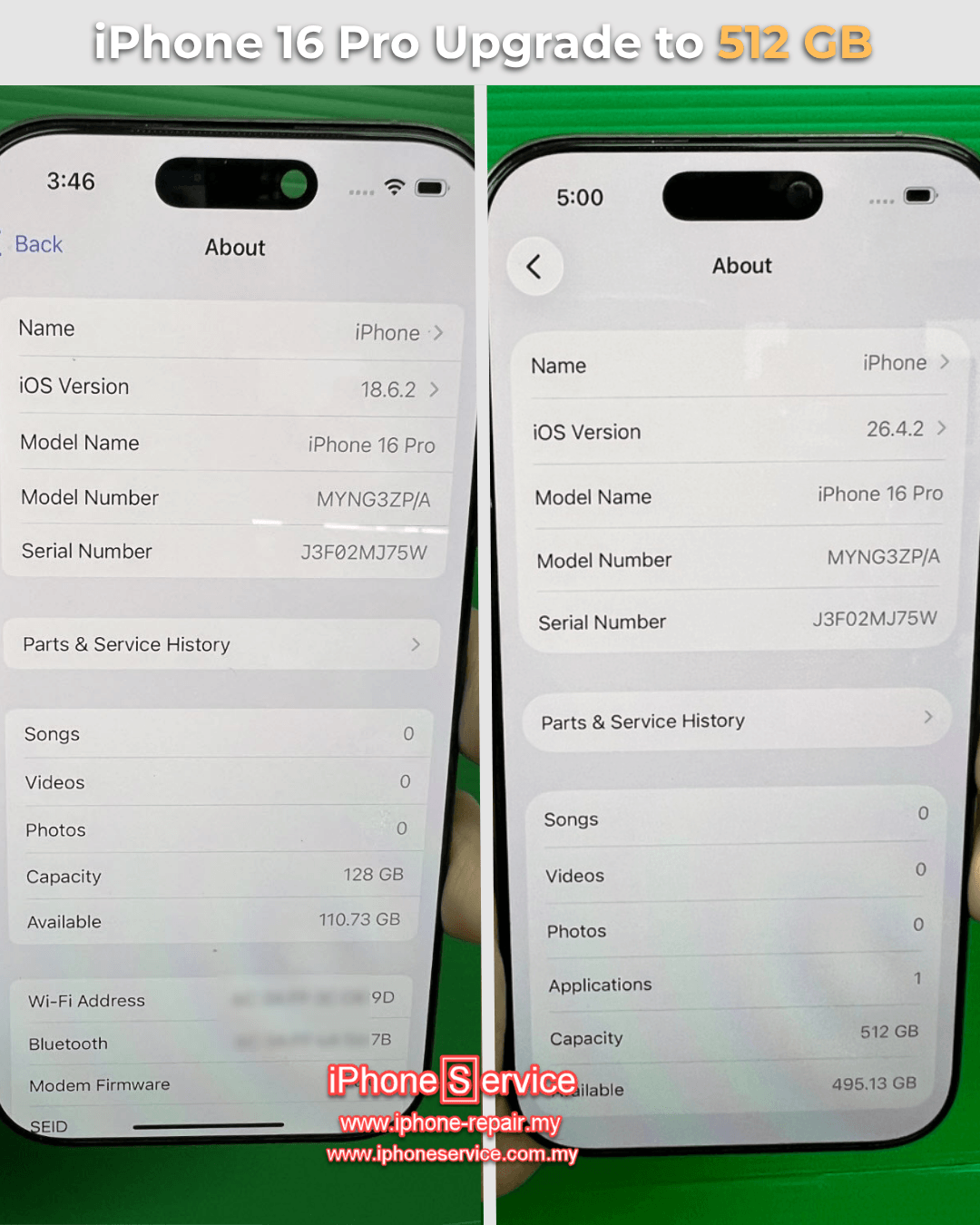
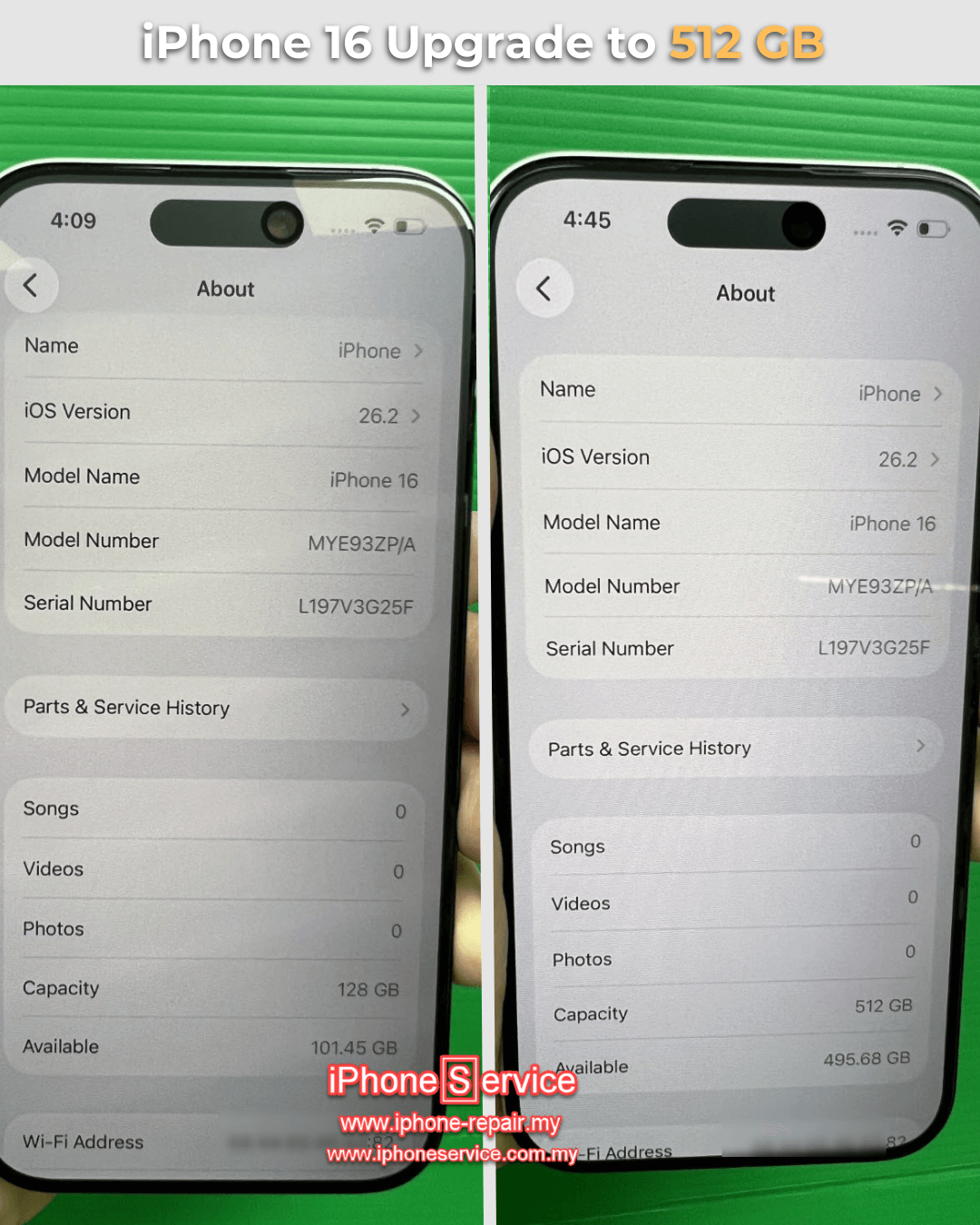
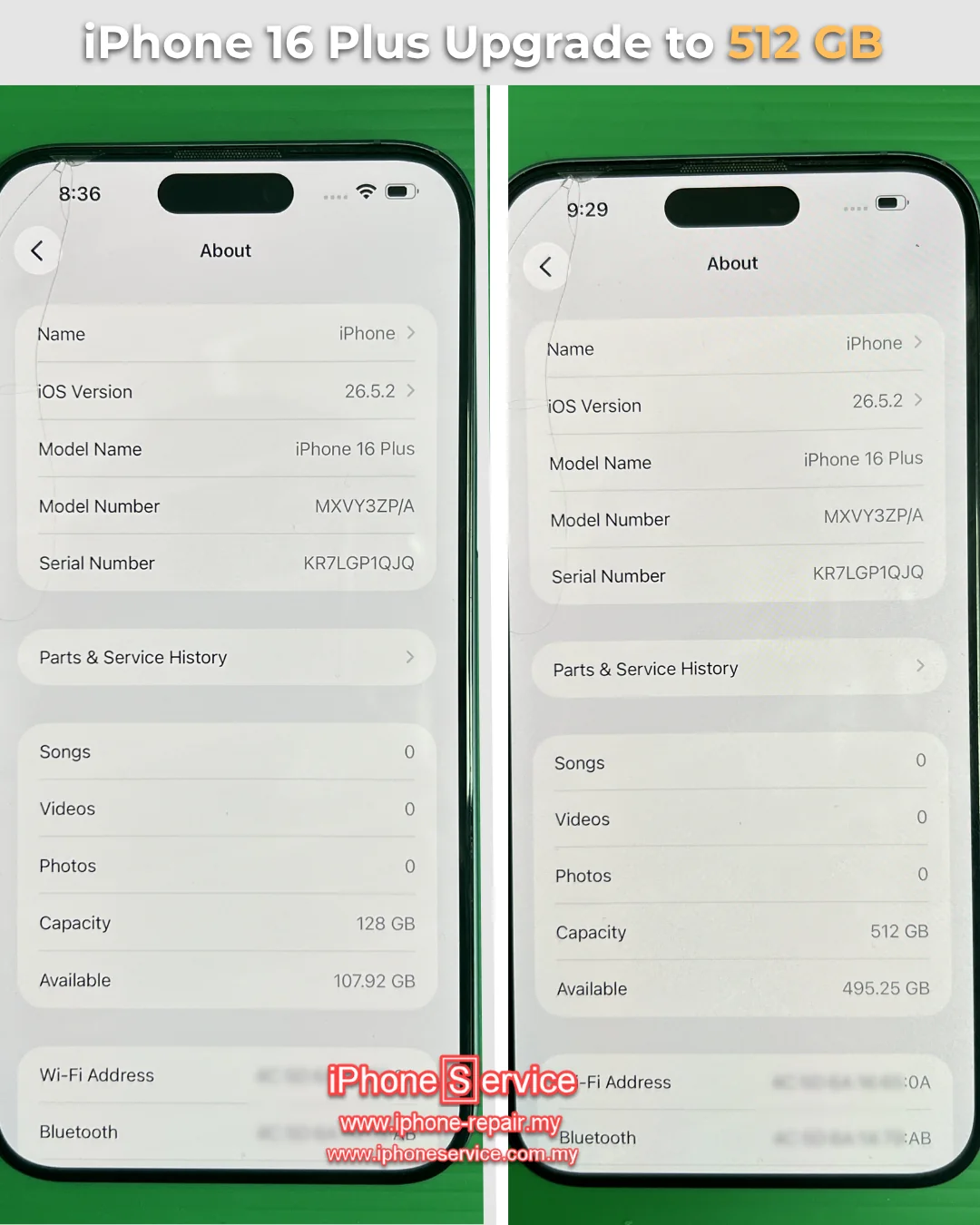
iPhone 16 Series Storage Upgrades

iPhone 15 Series Storage Upgrades

iPhone 14 Series Storage Upgrades

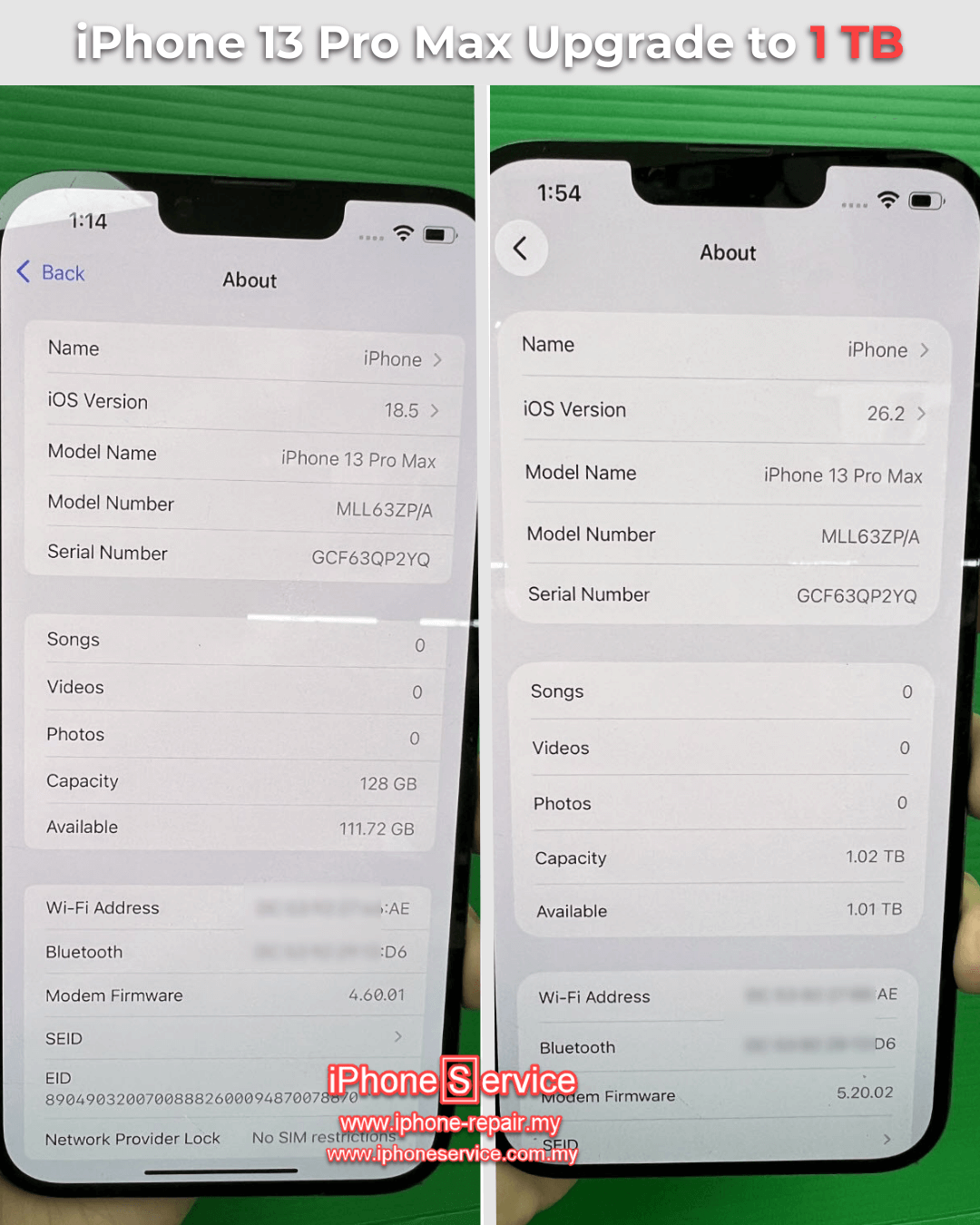
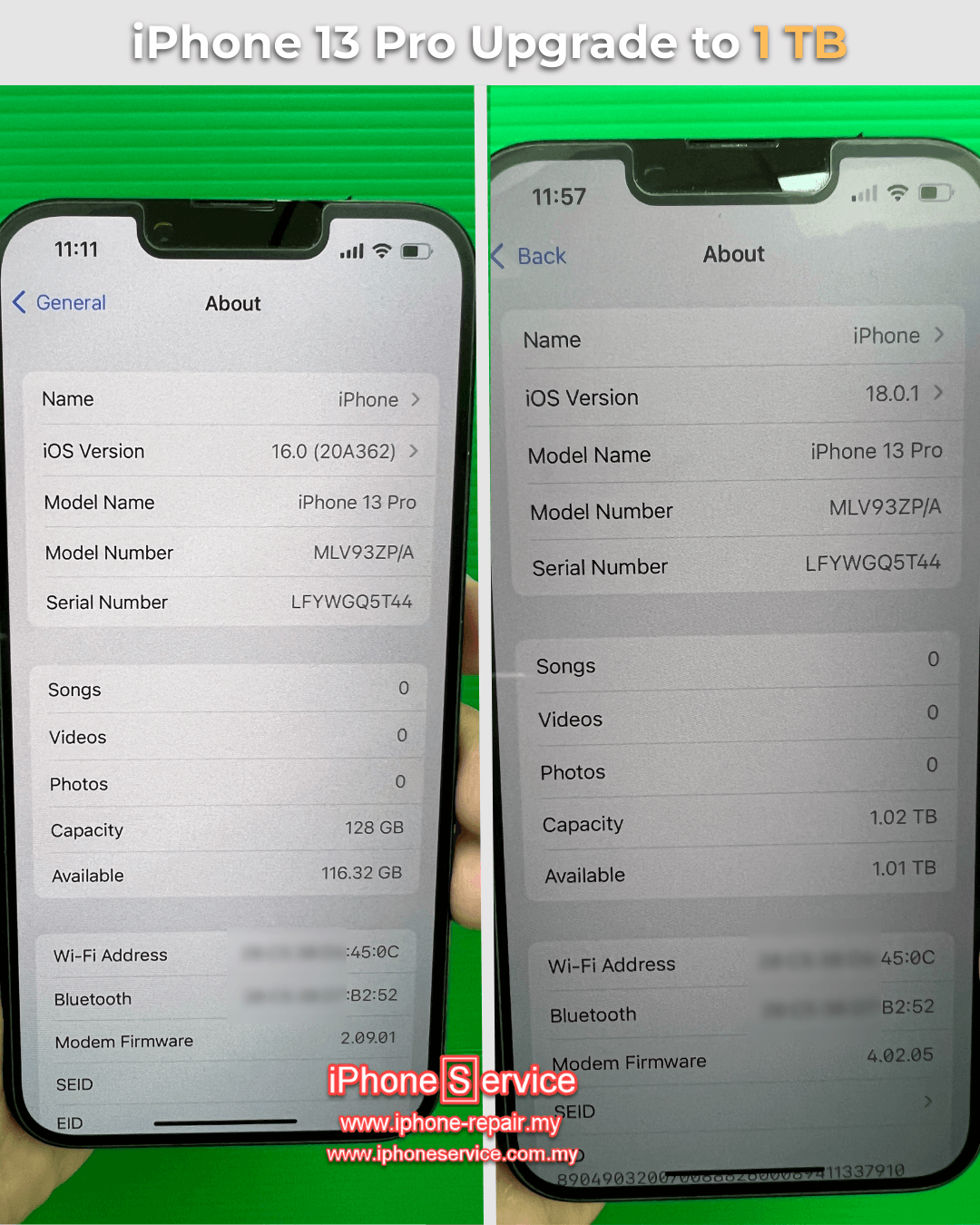
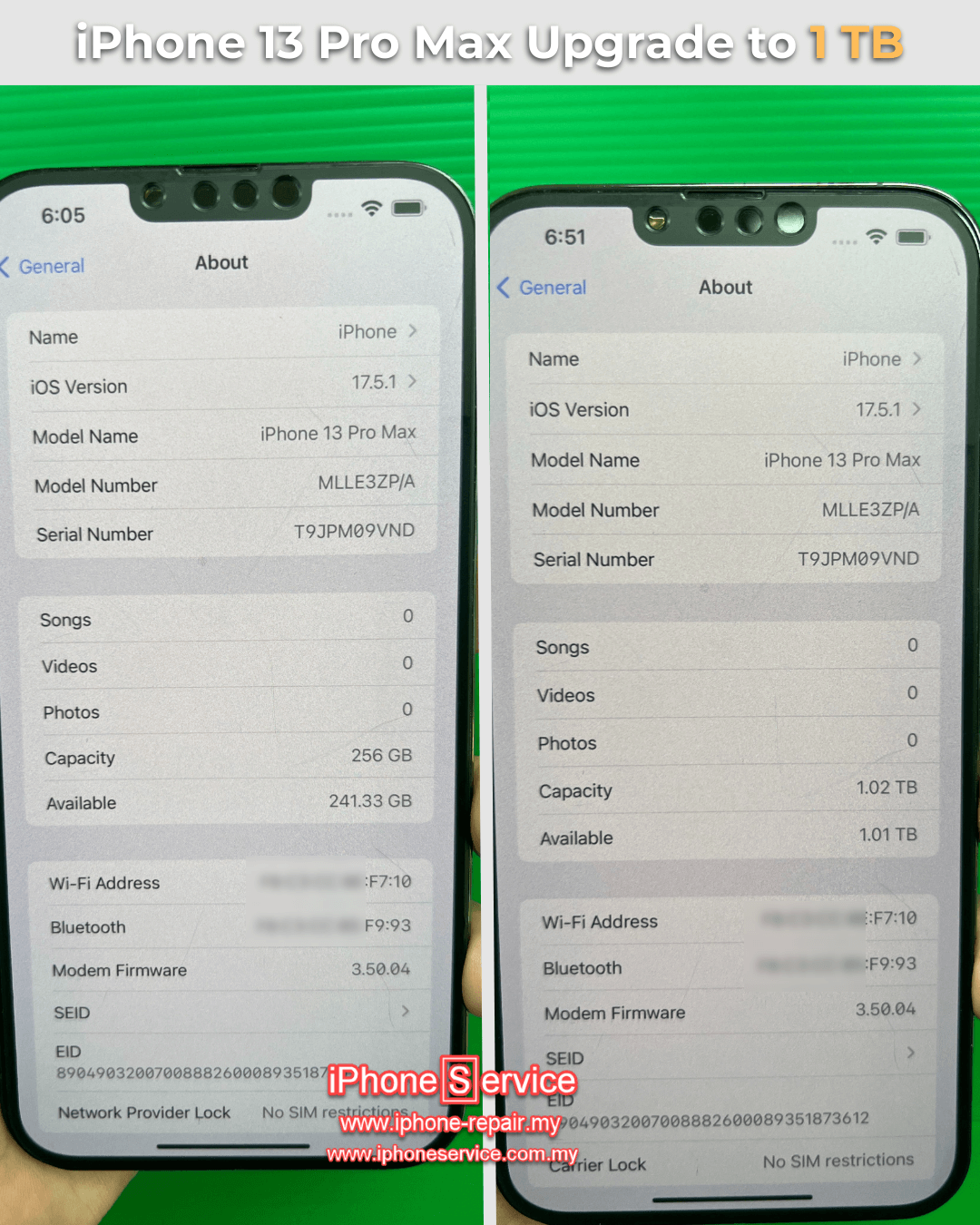
iPhone 13 Series Storage Upgrades

iPhone 12 & Older Series Storage Upgrades

What client said...
Excellent.. They upgrade this phone from 16gb to 128gb just in 2 hours with reasonable price and also extended warranty until 2 month....thanks to mr Lim - Iphone Service.. 5star for you
google logo
aman naz yaakob
Google Review July 2019
Rated 5 out of 5
Ip7plus, from 32gb to 512gb. Speedy service. Attended by Alvin at the counter. The process finish in less than 3 hours. Thank you!
Ck Bakar
Facebook Review 2019