

Upgrading your MacBook SSD improves overall performance, boosts storage size, and extends the lifespan of your device. We offer fast, professional SSD upgrade service for all MacBook models. Price list below is depend on your CPU model.
Price List MacBook Storage SSD (Replacement)
Model (CPU) | Capacity | Price |
|---|---|---|
M1 | 512GB / 1TB / 2TB | 580 / 800 / 1200 |
M1 Pro / M1 Pro Max | 1TB / 2TB / 4TB | 950 / 1450 / 1800 |
M2 | 1TB / 2TB | 1050 / 1700 |
M2 Pro / M2 Pro Max | 1TB / 2TB / 4TB | 1050 / 1700 / 2800 |
M3 | 1TB / 2TB | 1050 / 1700 |
M3 Pro / M3 Pro Max | 1TB / 2TB / 4TB | 1050 / 1700 / 2800 |
M4 | 1TB / 2TB | 1050 / 1700 |
M4 Pro / M4 Pro Max | 1TB / 2TB /4TB | 1200 / 1800 / 2800 |
M5 | 1TB / 2TB | 1050 / 2100 |
M5 Pro / M5 Pro Max | 2TB / 4TB | 2100 / 3500 |
A18 Pro (Neo) | 512GB / 1TB | 750 / 1050 |
Note: 8TB is available for the MacBook Pro Max series, but a deposit is required, and the order must be placed two weeks in advance.
Why Upgrade Your MacBook SSD
- Faster boot up and overall performance so your MacBook can last another year or more
- No need to carry an external hard drive when traveling, lighter and more convenient
- Better stability and fewer freezes because macOS uses SSD as virtual memory (Swap), very helpful for 8 GB RAM MacBooks
- Extend the usable lifespan of your MacBook without buying a new model
- Cost effective compared to replacing the entire laptop
- Improved resale value after upgrading to a larger and faster SSD
- More storage space for apps, photos, videos and work projects
Our MacBook SSD Replacement Process
- Inspect the MacBook model and test basic functions. We assume the owner has already erased the device before sending it in.
- If backup is required, we can perform a Time Machine backup for RM100. We strongly recommend owners back up themselves. If we do it, add 1 to 2 extra working days.
- Open the MacBook safely and desolder the original SSD.
- Solder a new original SSD with the requested capacity.
- Set up macOS installation, usually the latest supported macOS version.
- Run full hardware checks to confirm everything is working correctly.
- Return the MacBook to the customer with warranty provided.
FAQs
Usually 1 to 3 working days. Time may vary depending on queue and model.
High-end models might need deposit.
Warranty is 365 days for the upgraded storage memory only.
It does not cover LCD, keyboard, charging issues, USB no detect, or anything unrelated to the memory itself.
Storage warranty issues normally show as OS crash, looping, or unable to recover.
Physical damage, impact, liquid damage, or damage caused by third party chargers are not covered.
Yes, please back up your data before sending in your MacBook.
If you need us to do the backup, the service fee is RM100 and takes about 4 to 7 working days, because our backup drives are often full from other customers.
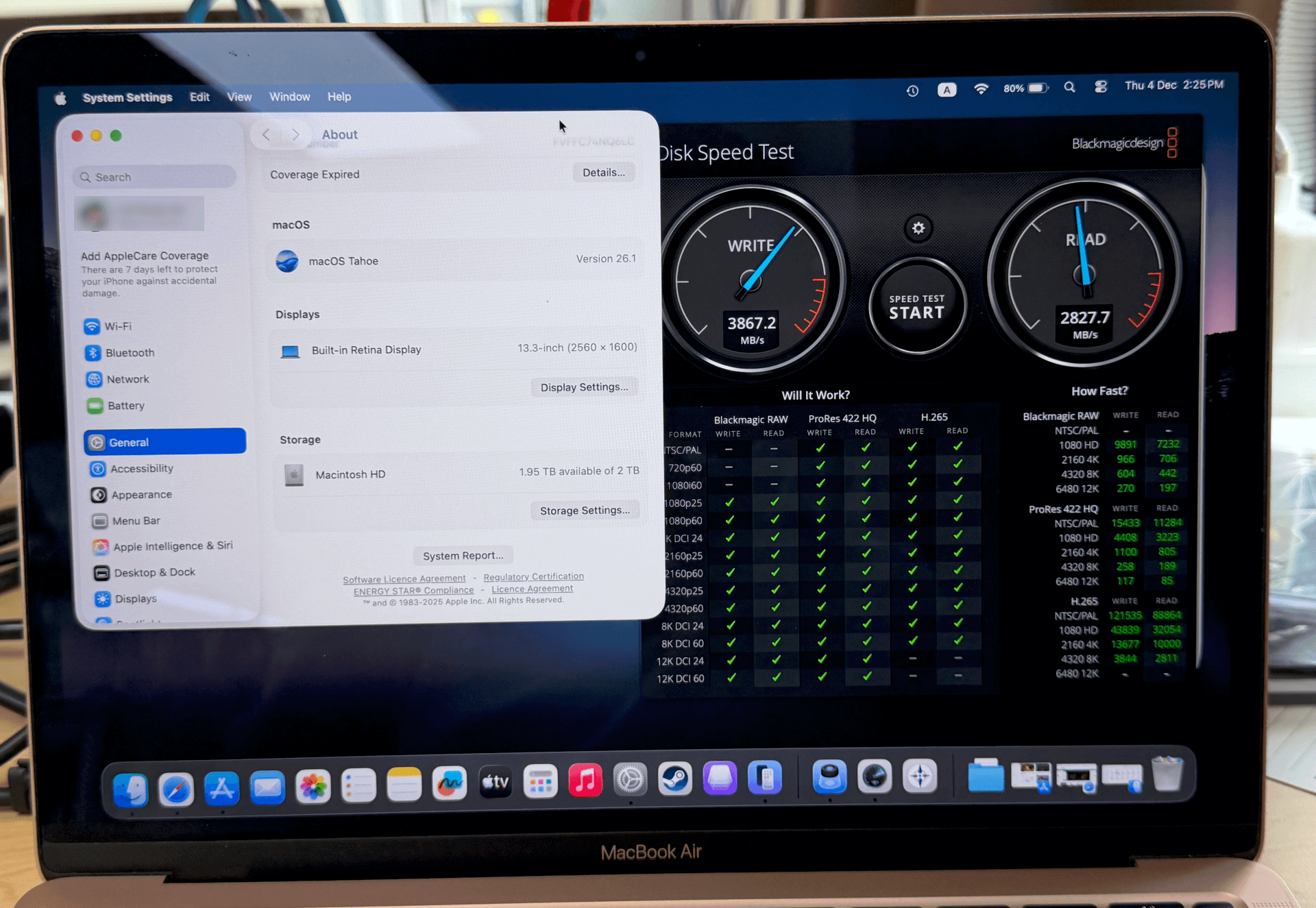
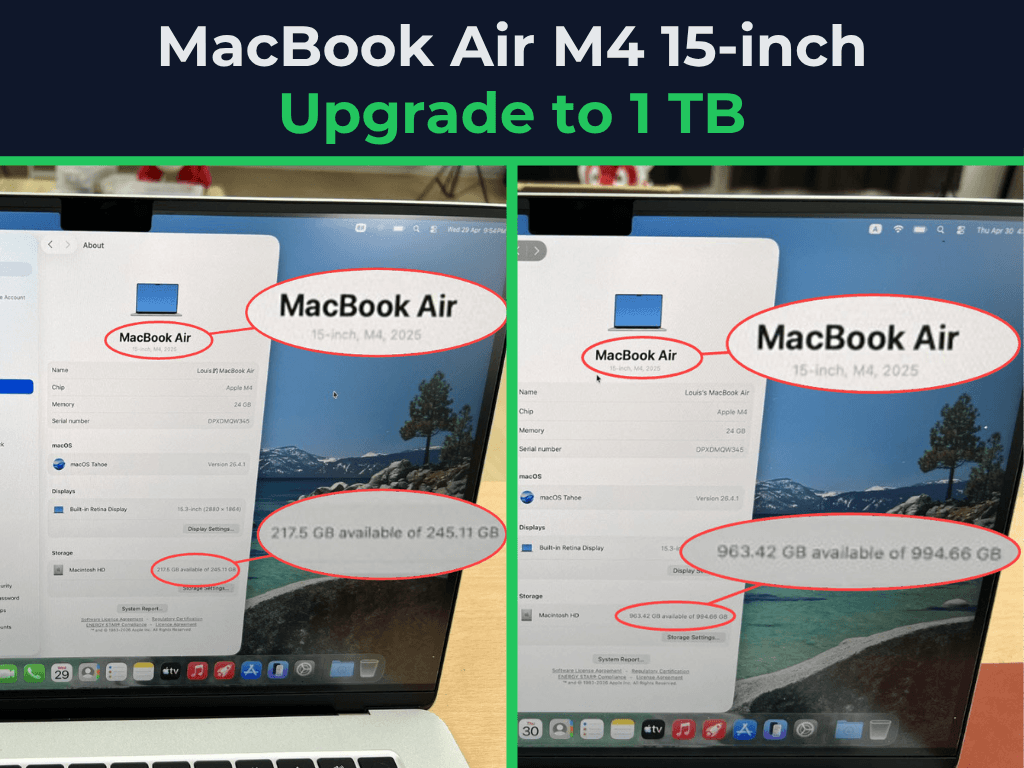
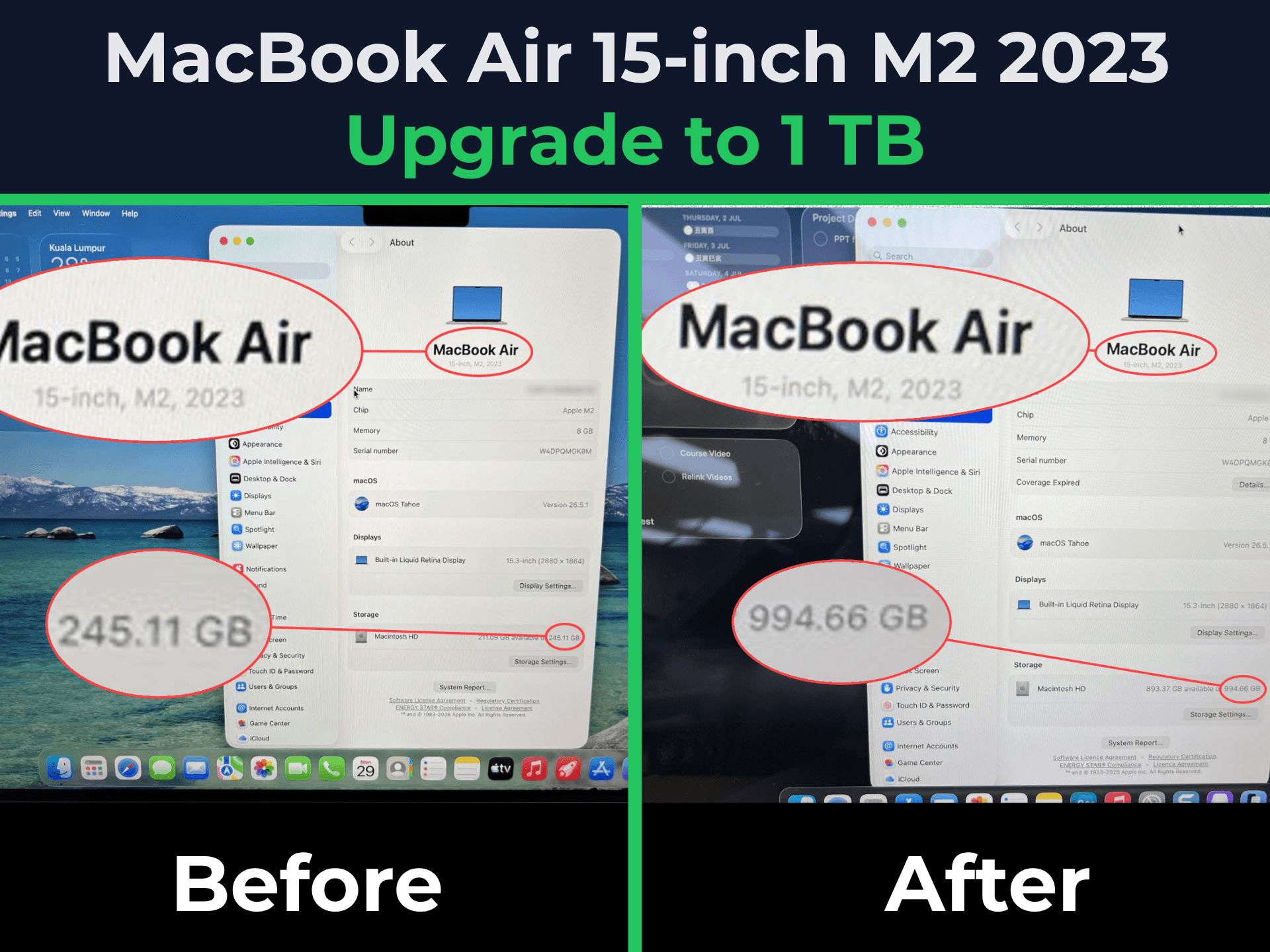
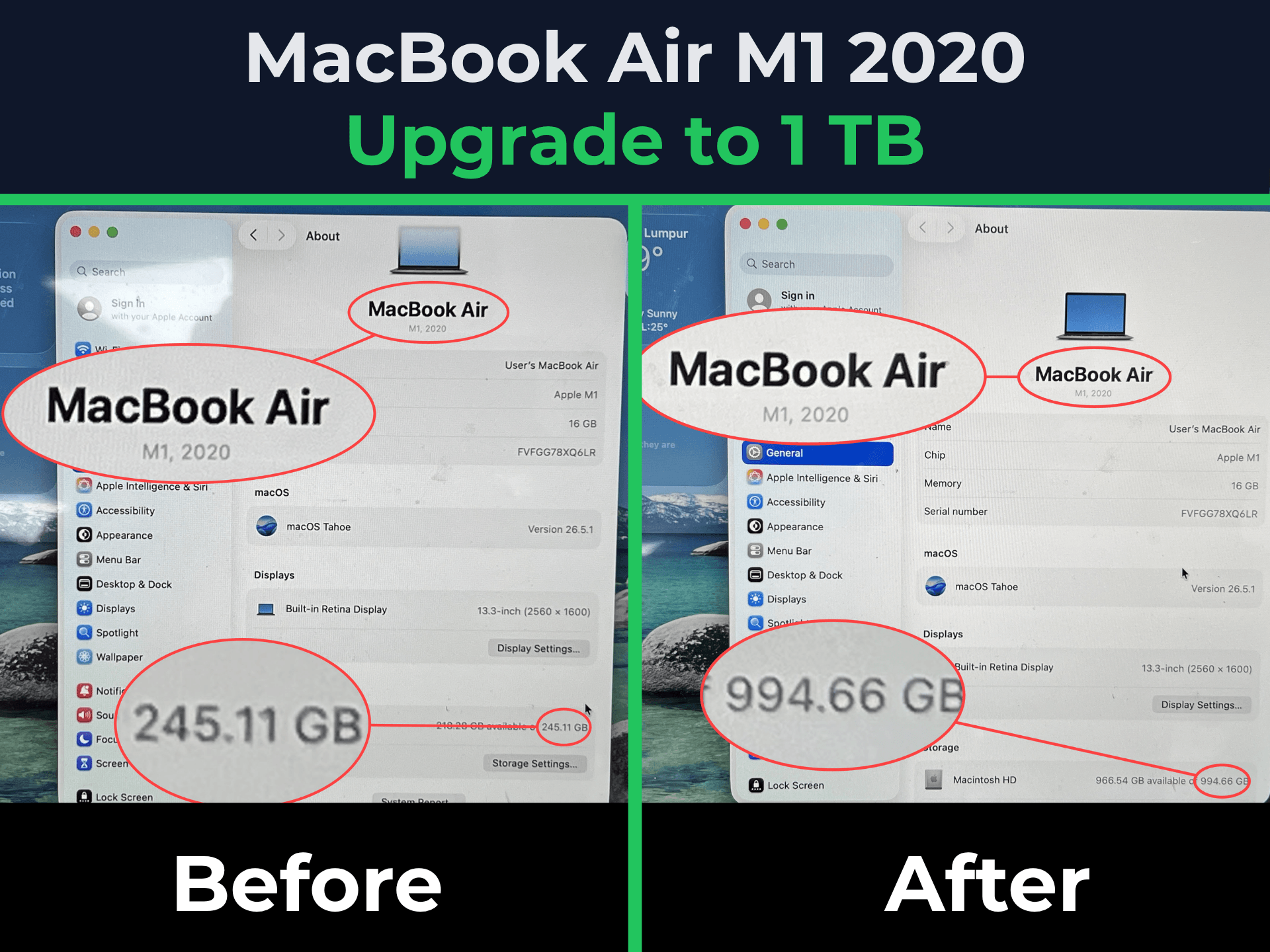
Customer Upgrade Showcase
Macbook Air Series
Macbook Pro Series
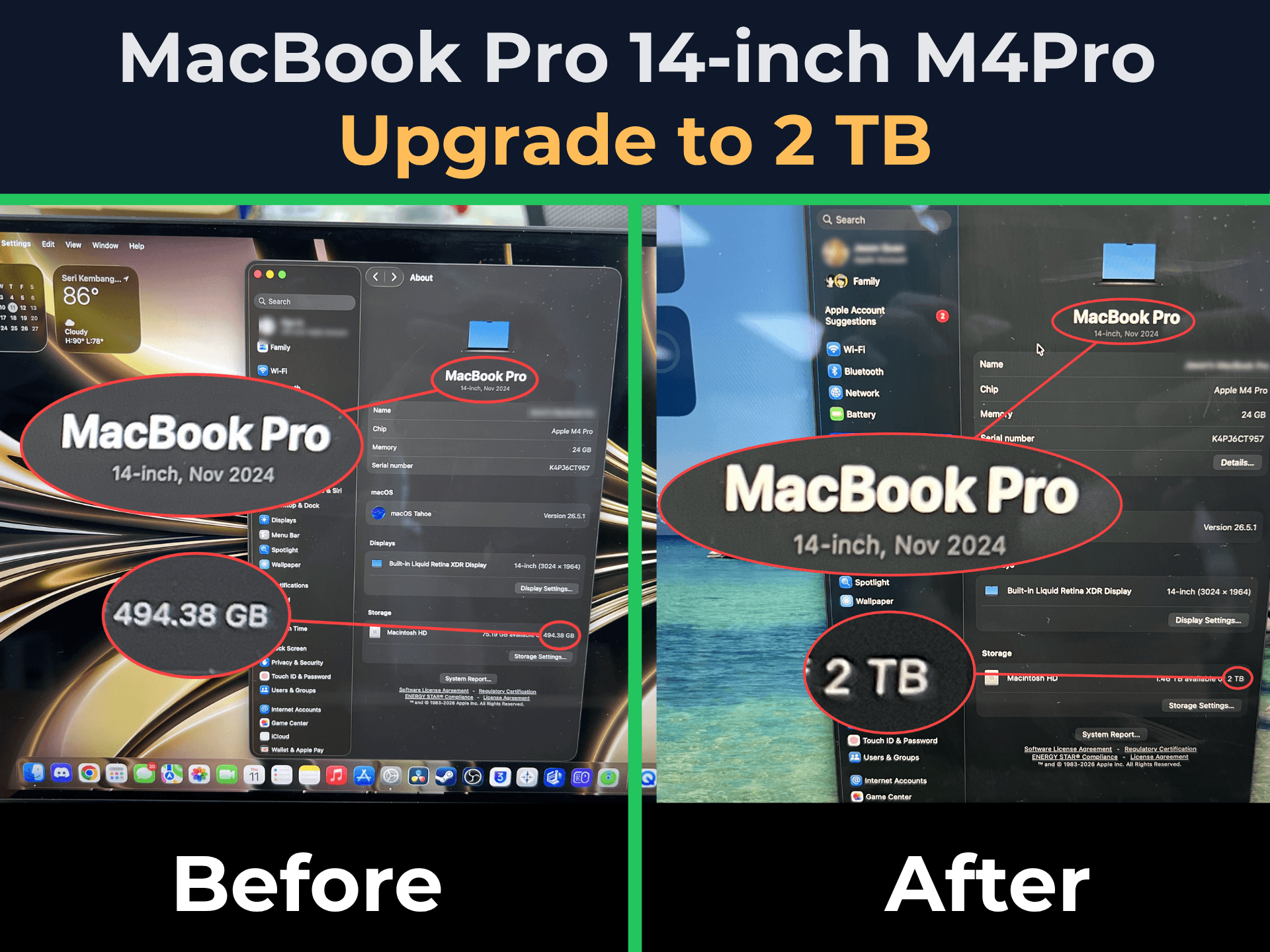
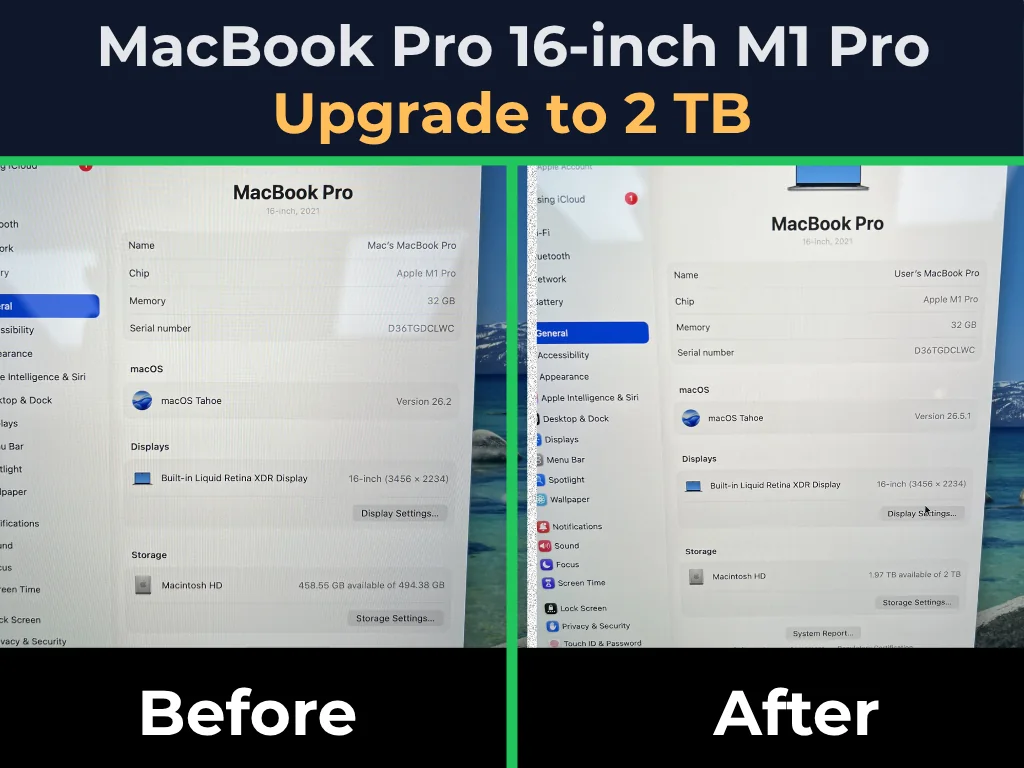
NAND Speed Test Before & After
Note: Storage performance may vary depending on the MacBook model. While not every model will see a significant speed increase after a storage upgrade, MacBook Pro models often show better performance gains with higher-capacity NAND upgrades.